Zadig
Updated: February 14, 2025
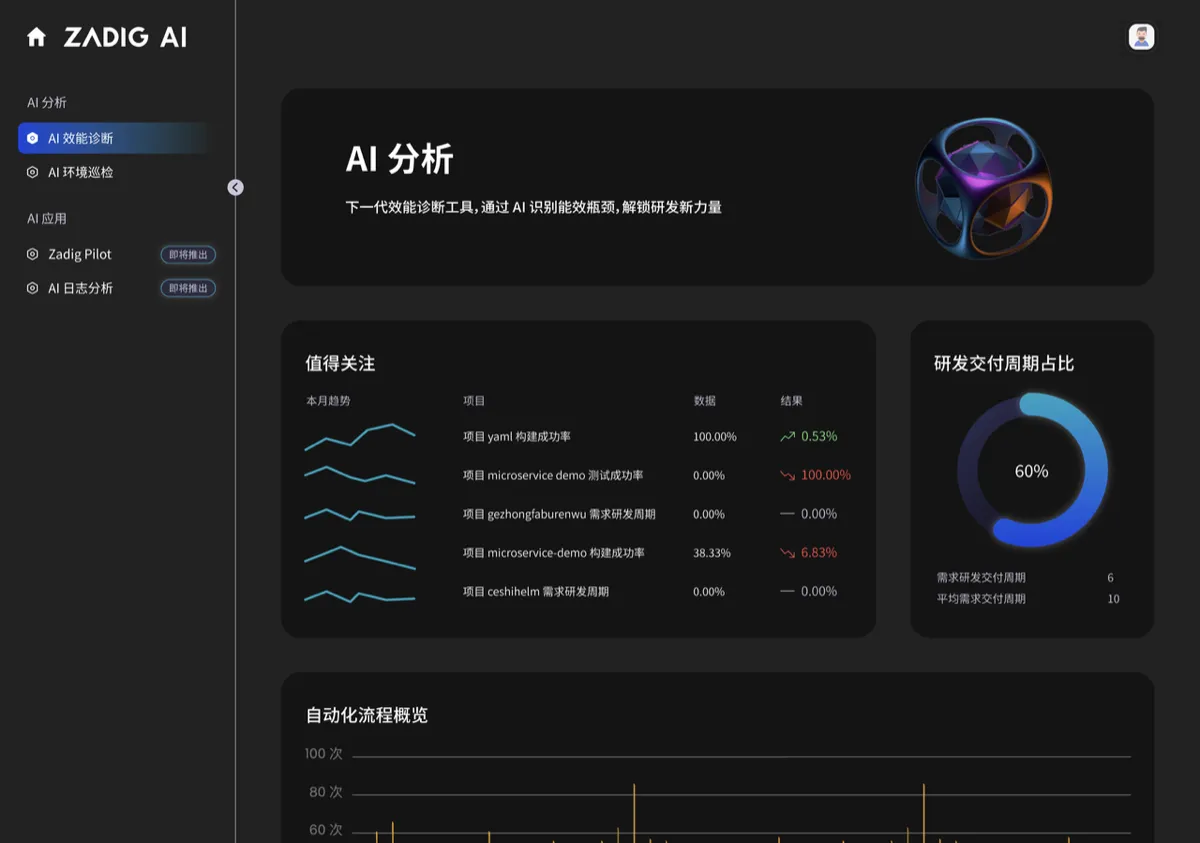
Zadig is a self-service cloud-native DevOps platform developed by KodeRover based on Kubernetes, with 100% open-source code. Zadig offers flexible and scalable workflow support, multiple release strategy orchestration, one-click security auditing, and other features. The platform also supports customizable enterprise-level XOps agile performance dashboards, deeply integrates with various enterprise-grade platforms, and enables rapid batch integration through project templates, providing one-click governance for thousands of services. Its main goal is to help enterprises achieve digital transformation in product and research, turning engineers into innovation engines and supporting the endless value connection of the digital economy.
This article mainly explains how to use the DeepSeek model provided by SiliconFlow for AI environment inspection and AI performance inspection on Zadig.
Install Zadig
Obtain API Key
- Visit the SiliconFlow official website and register an account (if you have already registered, simply log in).
- After registration, open API Keys, create a new API Key, and click to copy the key for future use.
Configure SiliconFlow Model
In Zadig, go to System Settings -> System Integration -> AI Services, and add the AI service.
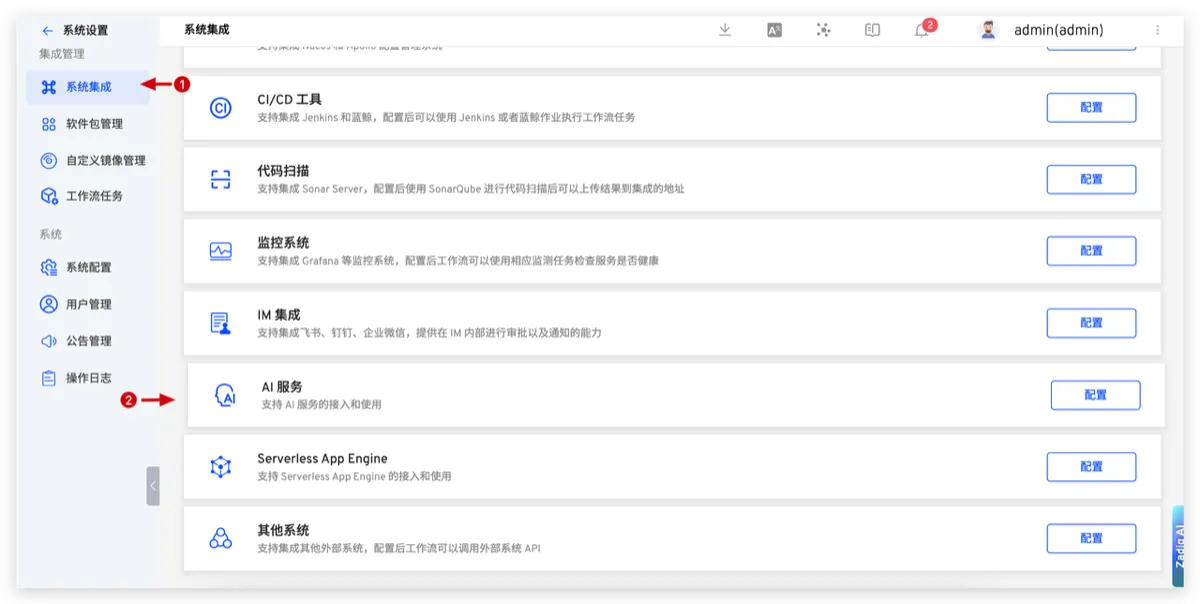
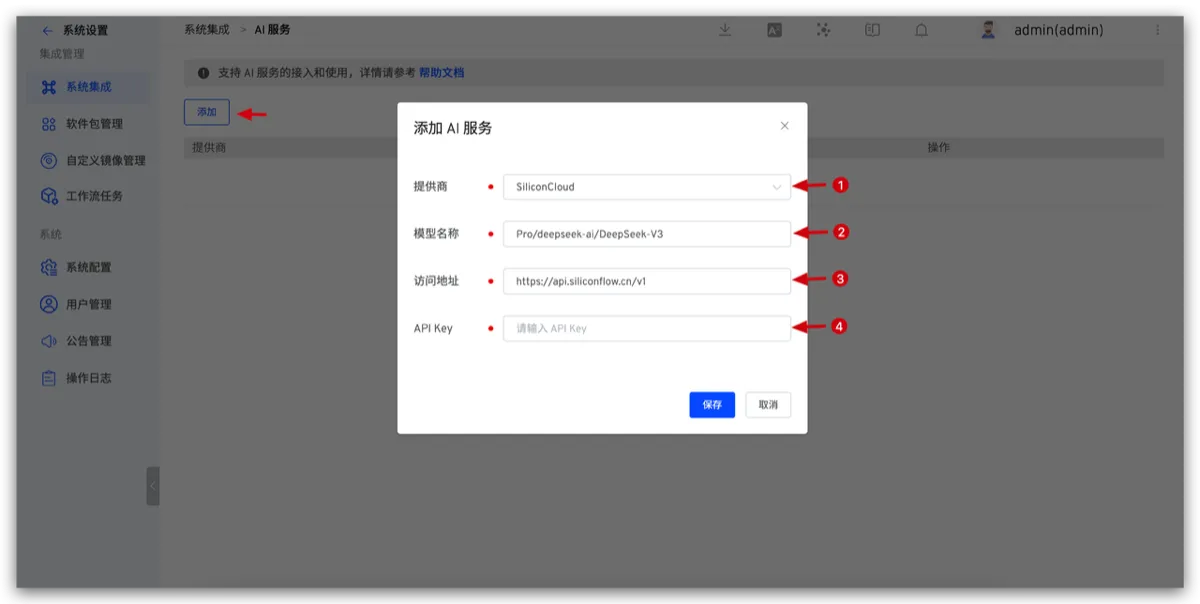
- Provider: Choose SiliconFlow
- Model Name: Enter the model provided by SiliconFlow
- Access URL:
https://api.siliconflow.cn/v1 - API Key: The API Key obtained in the previous step
Using the Model Service
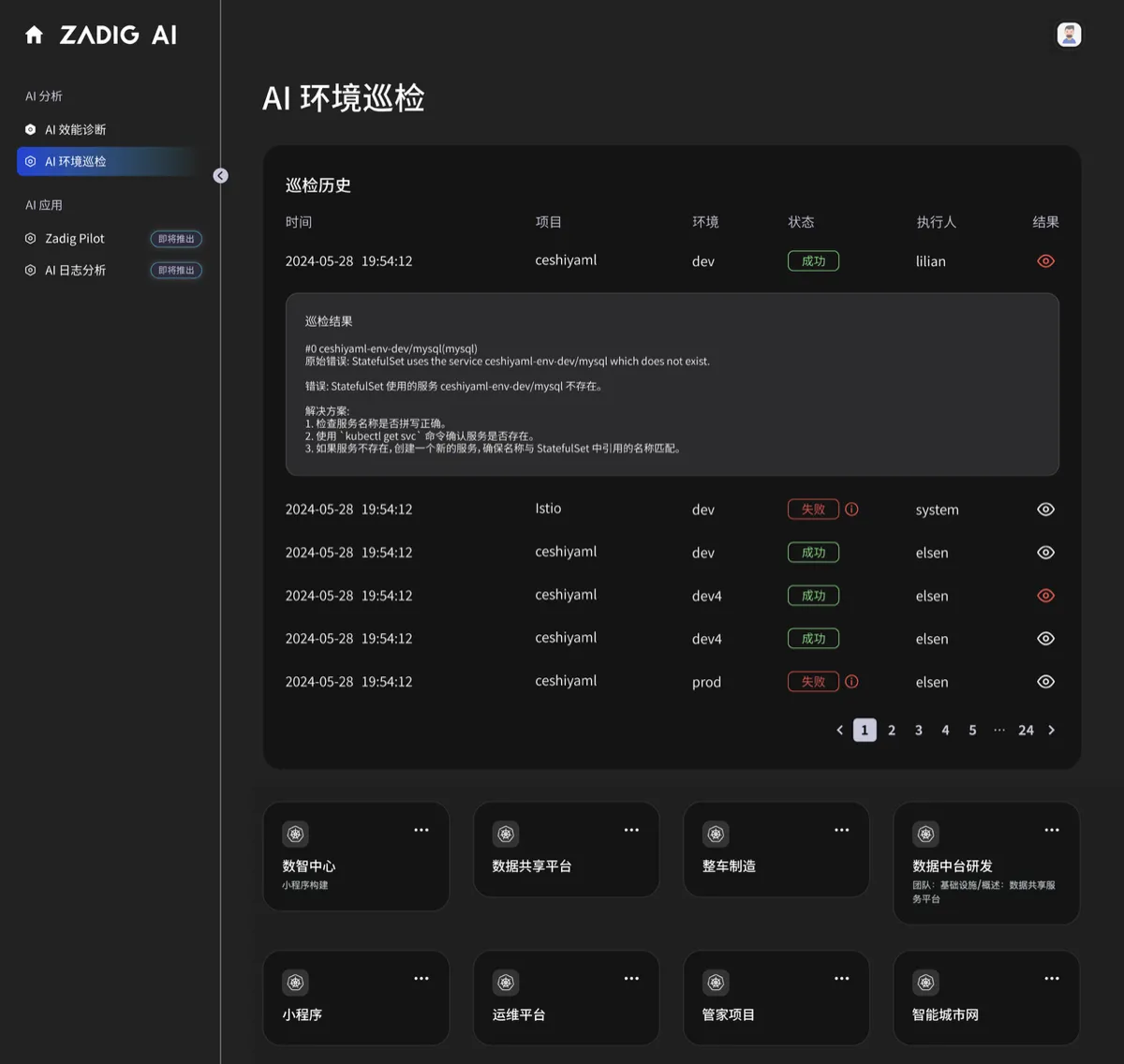
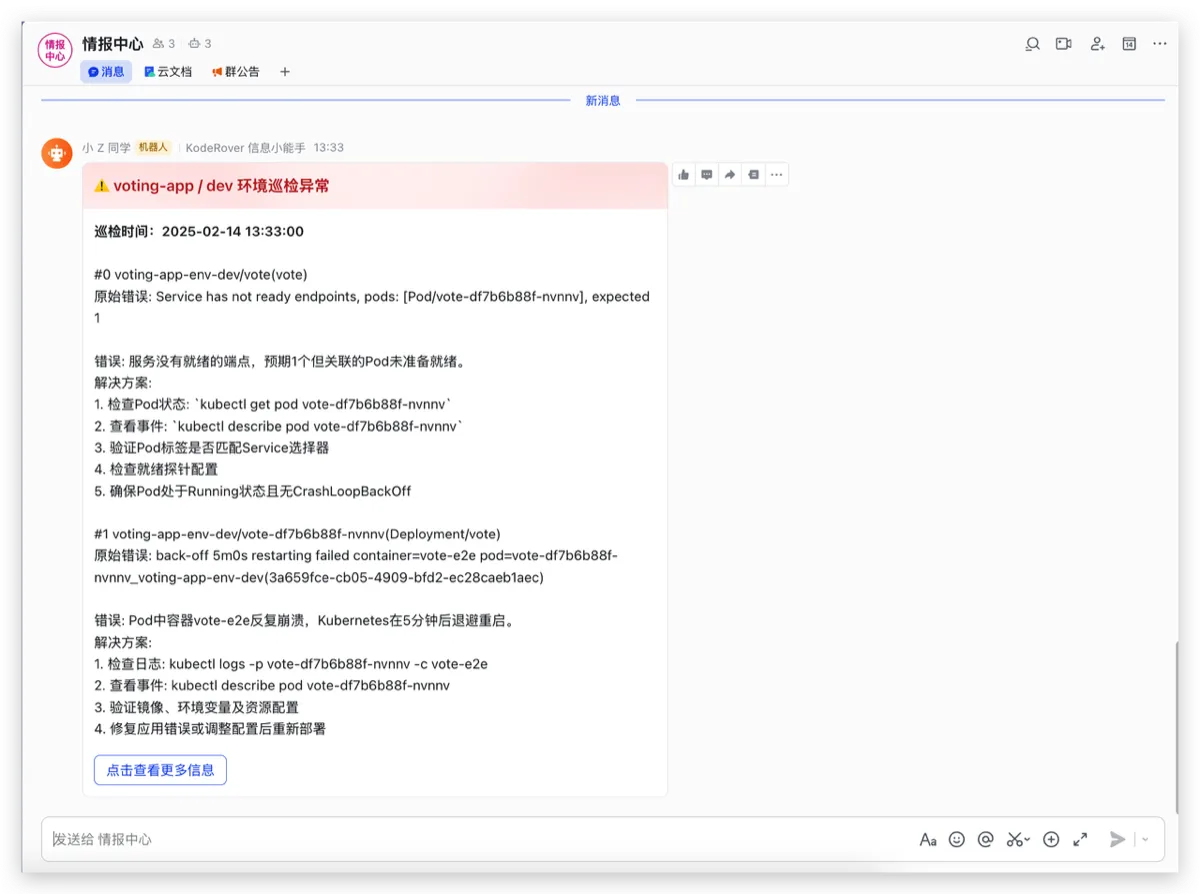
AI Environment Inspection
With AI capabilities, you can comprehensively analyze and identify issues within the Kubernetes (K8s) environment, such as pod abnormalities and configuration errors. It also provides solutions, and by setting up a timer and IM notifications, you can implement periodic inspections to send the identified issues and solutions to the respective responsible parties in a timely manner.
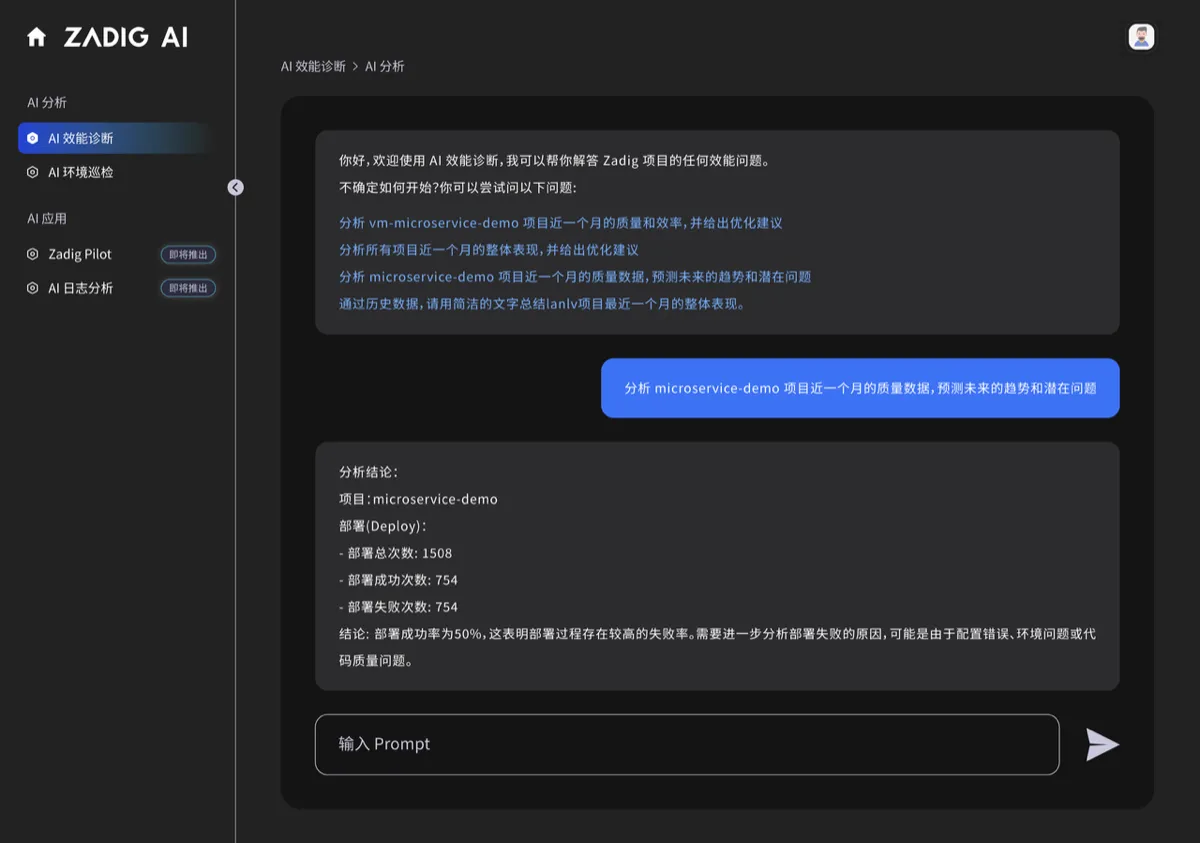
AI Performance Insights
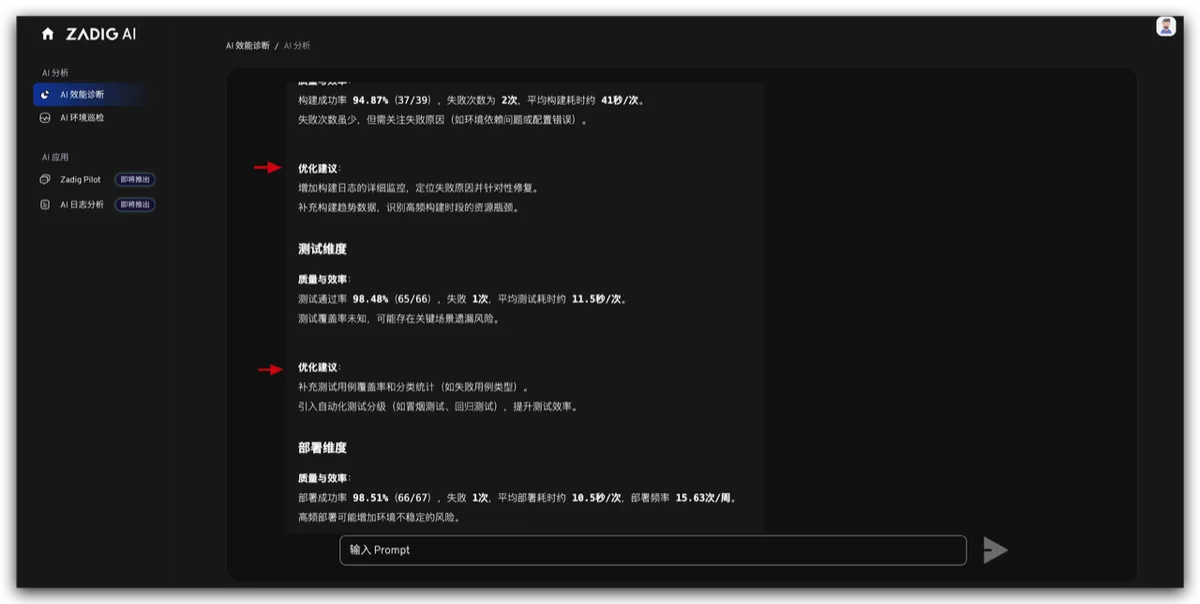
Based on the performance data generated in Zadig, AI-assisted analysis can accurately pinpoint performance issues within the project and provide improvement suggestions. Compared to traditional methods, which may require manual analysis of large amounts of data, AI can automatically generate reports in a much shorter time.