ClawX
Update: February 28, 2026.
ClawX is an open-source client product based on OpenClaw. It requires no command line—just download and deploy. It natively supports mainstream systems including Windows/MacOS/Linux. It supports all features of the OpenClaw Community and comes with 50+ prebuilt skills. With just one old computer, it can transform into your 24/7 analyst.

Developers can open [the Github project link] (https://github.com/ValueCell-ai/ClawX) and give it a Star to support this open-source project.
1. Configure ClawX
1.1 Download
- Official website download: https://claw-x.com
- Open-source download: https://github.com/ValueCell-ai/ClawX
1.2 Installation
The first installation on Windows may take longer, approximately 5 minutes.
1.3 Configuration
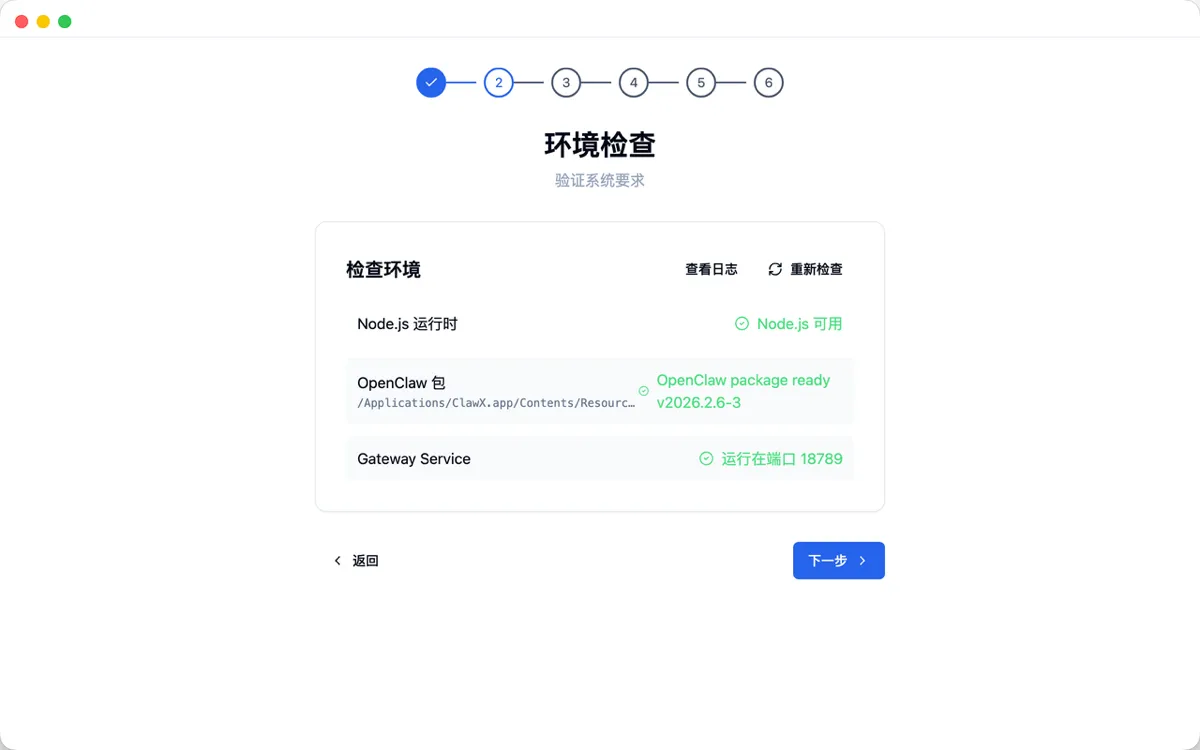
- The Chinese onboarding page helps you step by step to check environment dependencies. Connections to channels such as Feishu, Discord, Telegram, etc., can be configured after entering the software.
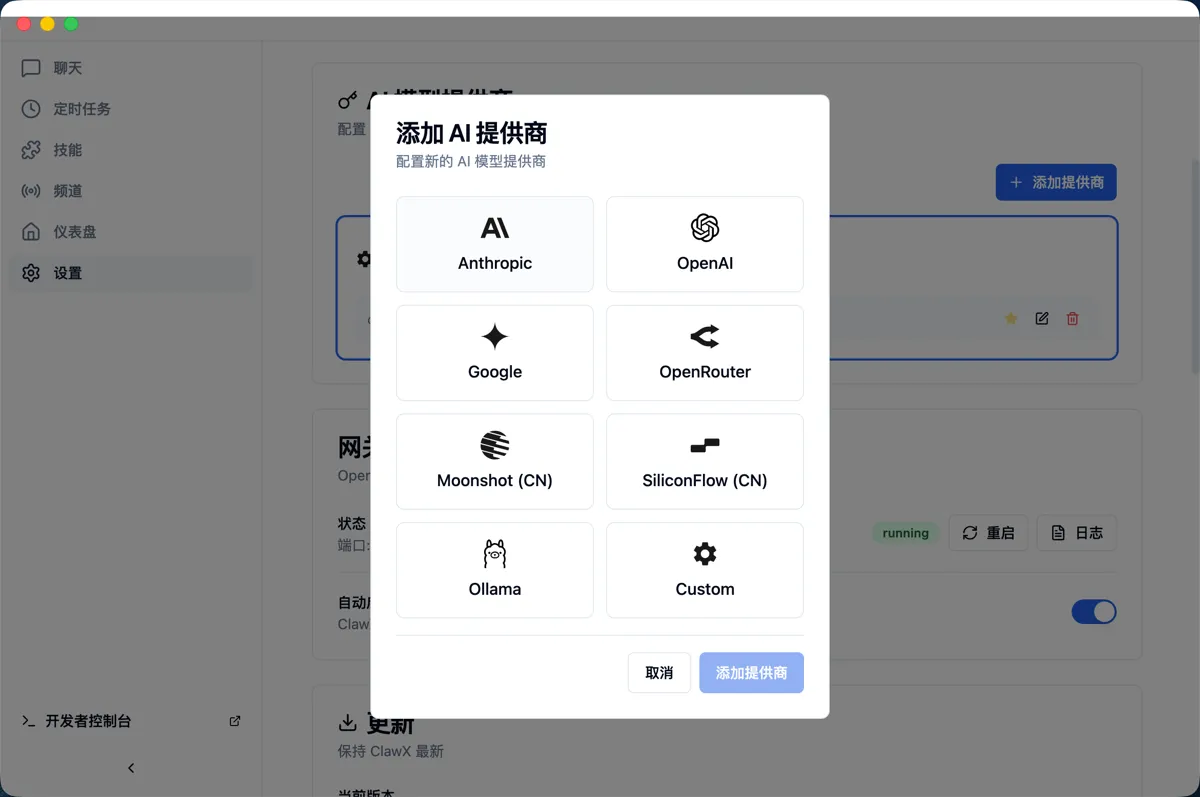
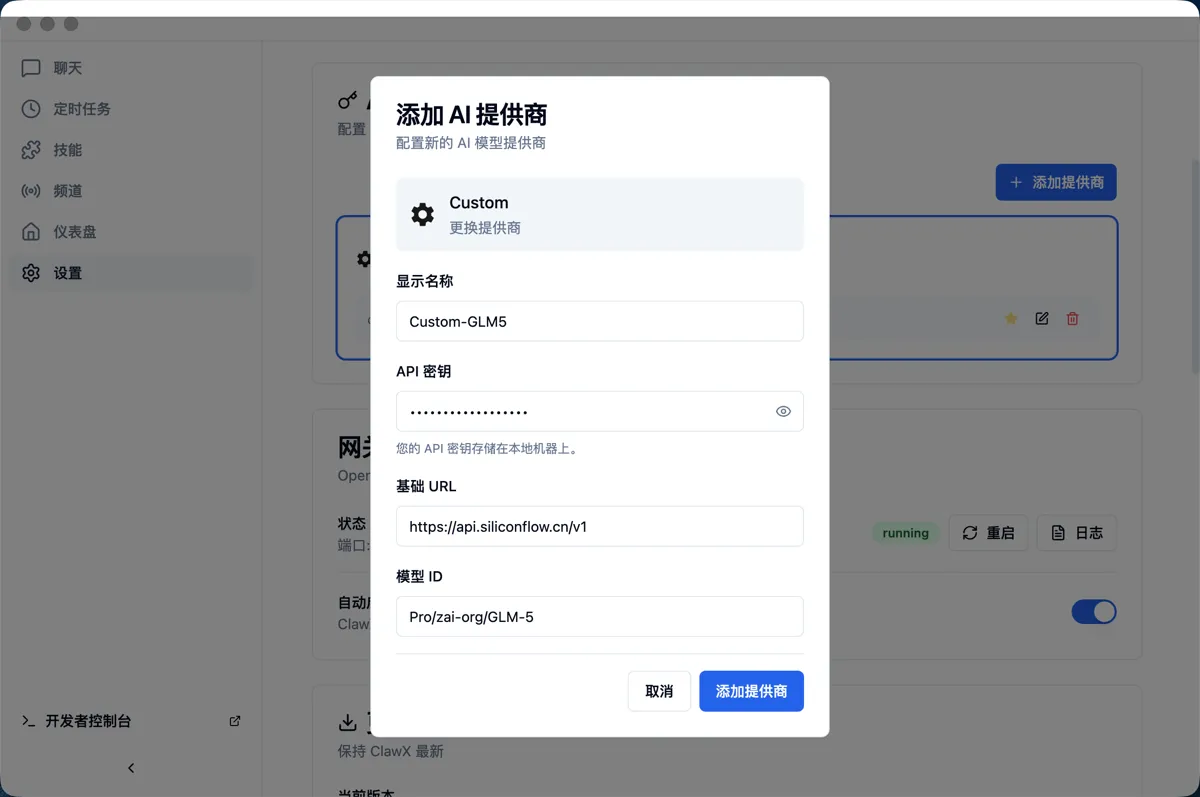
- SiliconFlow model configuration
- Click Settings - Add Provider Selecting SiliconFlow (CN) will use the currently recommended flagship Chinese model by default. To use a different model, select Custom and configure it manually.
2. Using ClawX
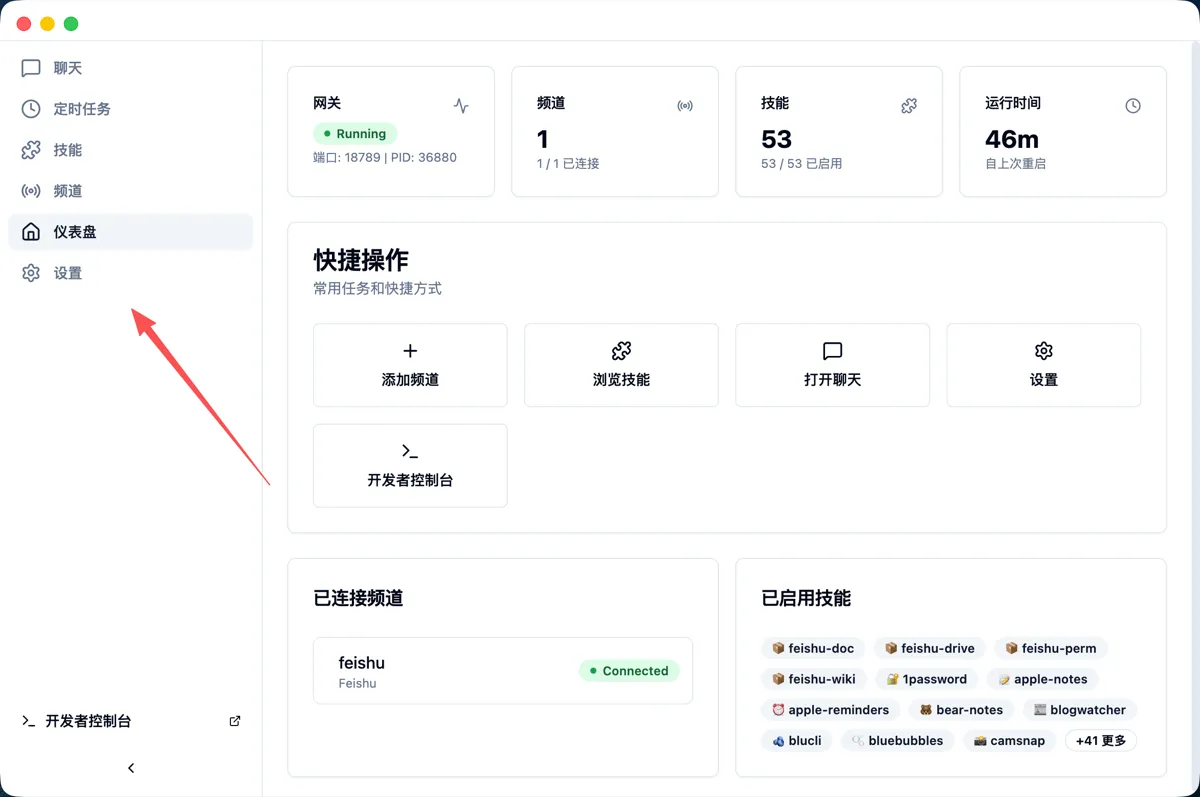
- ClawX is fully compatible with OpenClaw. You can use ClawX to set scheduled tasks, process files, manage other Agents, and operate web applications. At the same time, ClawX provides a more stable, Windows-friendly ecosystem and comes with built-in data analysis and programming skills, allowing you to fully enjoy AI in a local environment. You can chat with it directly in the chat window or connect it to other chat apps for flexible use. For the best experience, give it a powered-on old computer.
3. Advanced Usage
-
Actively let ClawX open the browser and log in to your database accounts, social media accounts, etc. It can perform tasks such as data retrieval, data analysis, and social media publishing on your behalf.
-
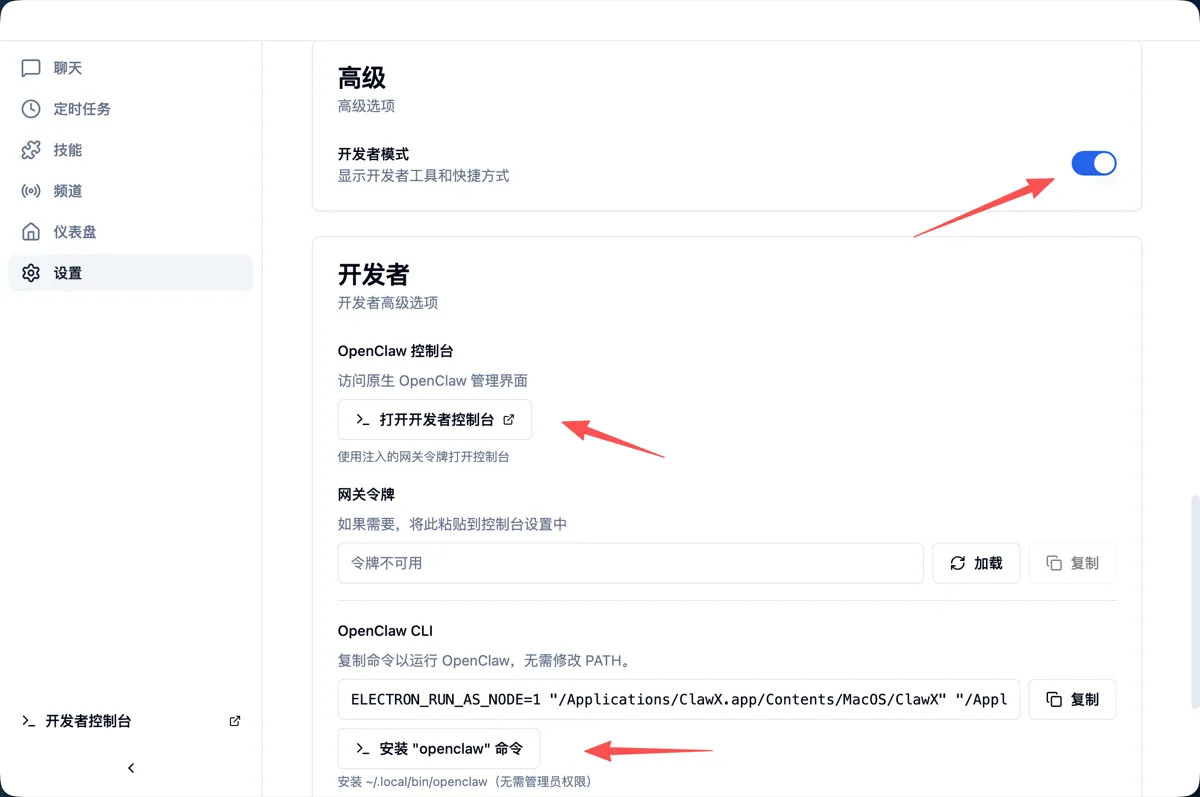
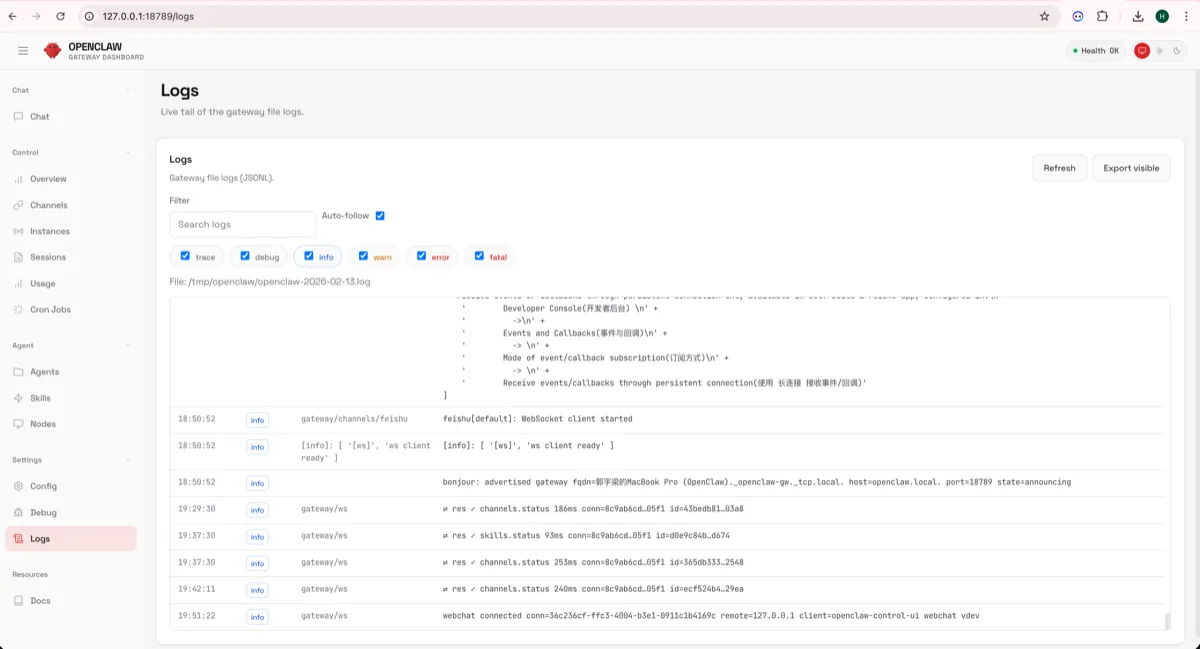
Click Settings - Advanced - Developer Mode to install the native OpenClaw command line and open the developer console to view all information.