SiliconFlow
SCENARIO EXAMPLE

Snaptium

Last updated: July 25, 2025

Snaptium is a local-first Markdown note-taking and knowledge management tool. It helps users build a personal AI knowledge workflow through Markdown notes, knowledge-base retrieval (RAG), AI writing assistants, agent capabilities, and cloud sync.

By connecting to the high-performance model services provided by SiliconFlow, you can experience intelligent writing, knowledge Q&A, and more.

1. Install Snaptium

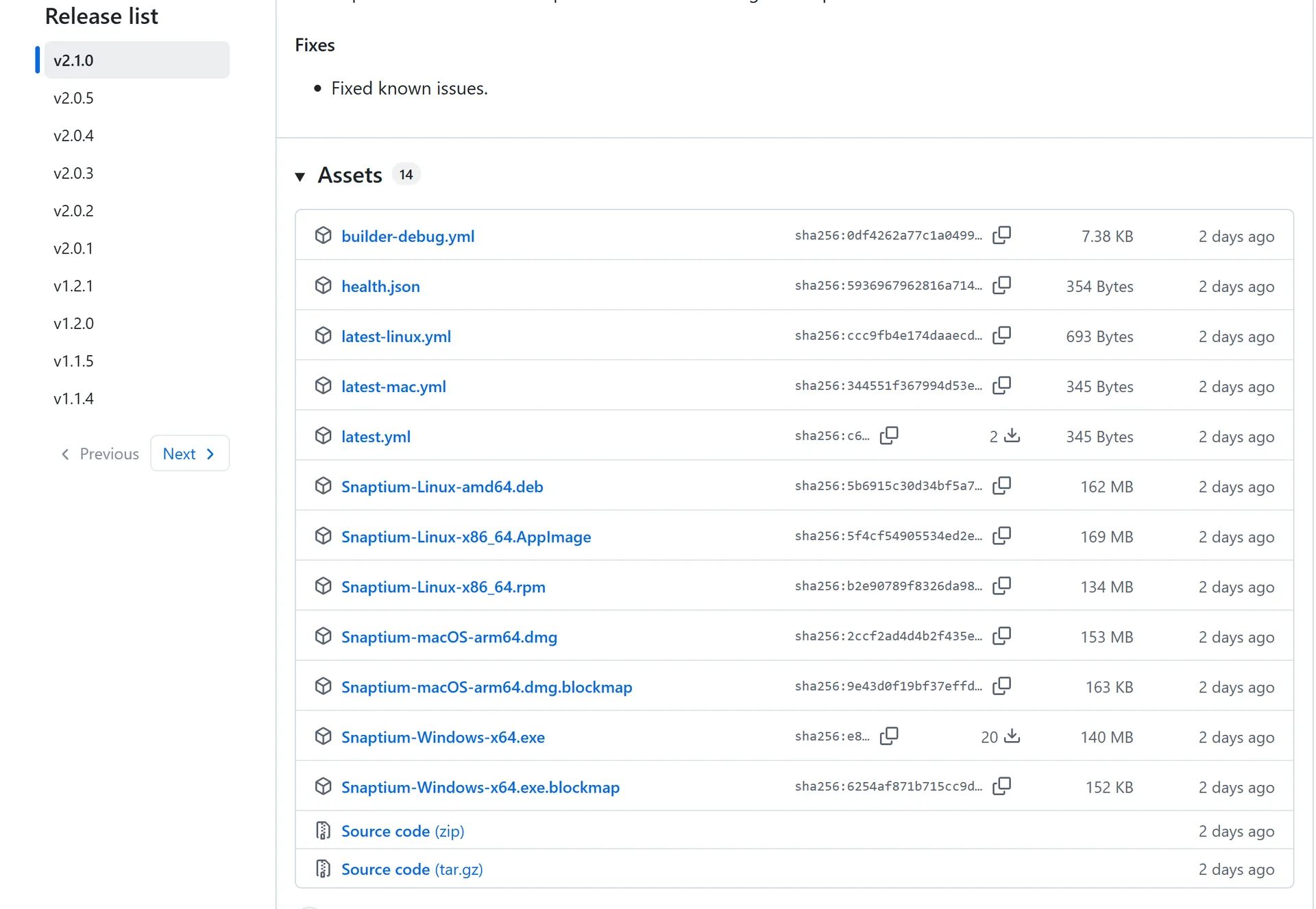
  1. Visit the Snaptium GitHub repository.
  2. Download the latest installation package.
  3. Run the installer and follow the prompts to complete installation.

Snaptium supports major desktop operating systems including Windows, macOS, and Linux.

2. Activate Built-in Free Models

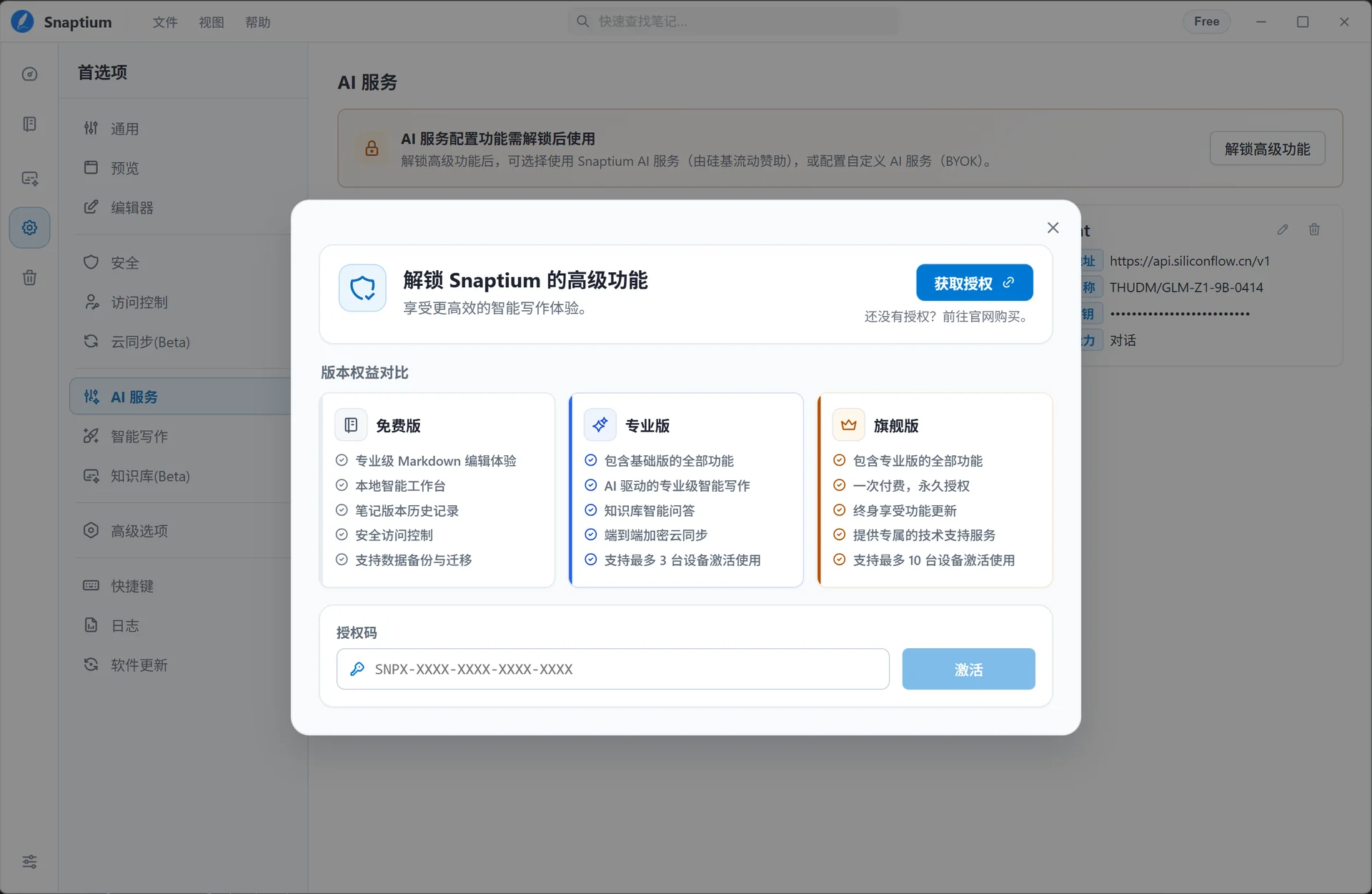
To prevent token abuse, Snaptium uses an authorization activation mechanism. You can request a free activation code by emailing hi@snaptium.com.

Open Help - Activate License:

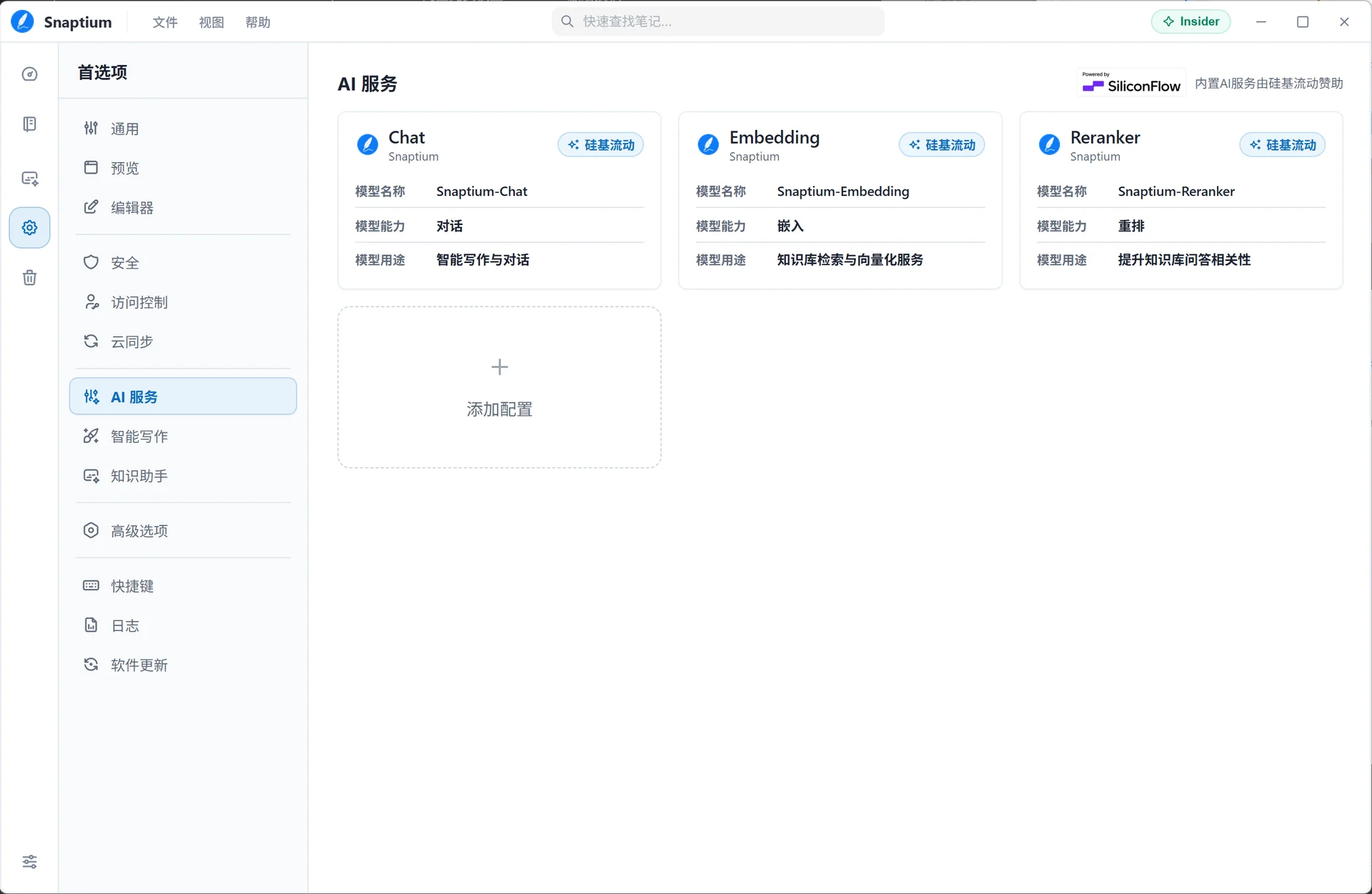
After entering the activation code, you will see the free AI models provided by SiliconFlow:

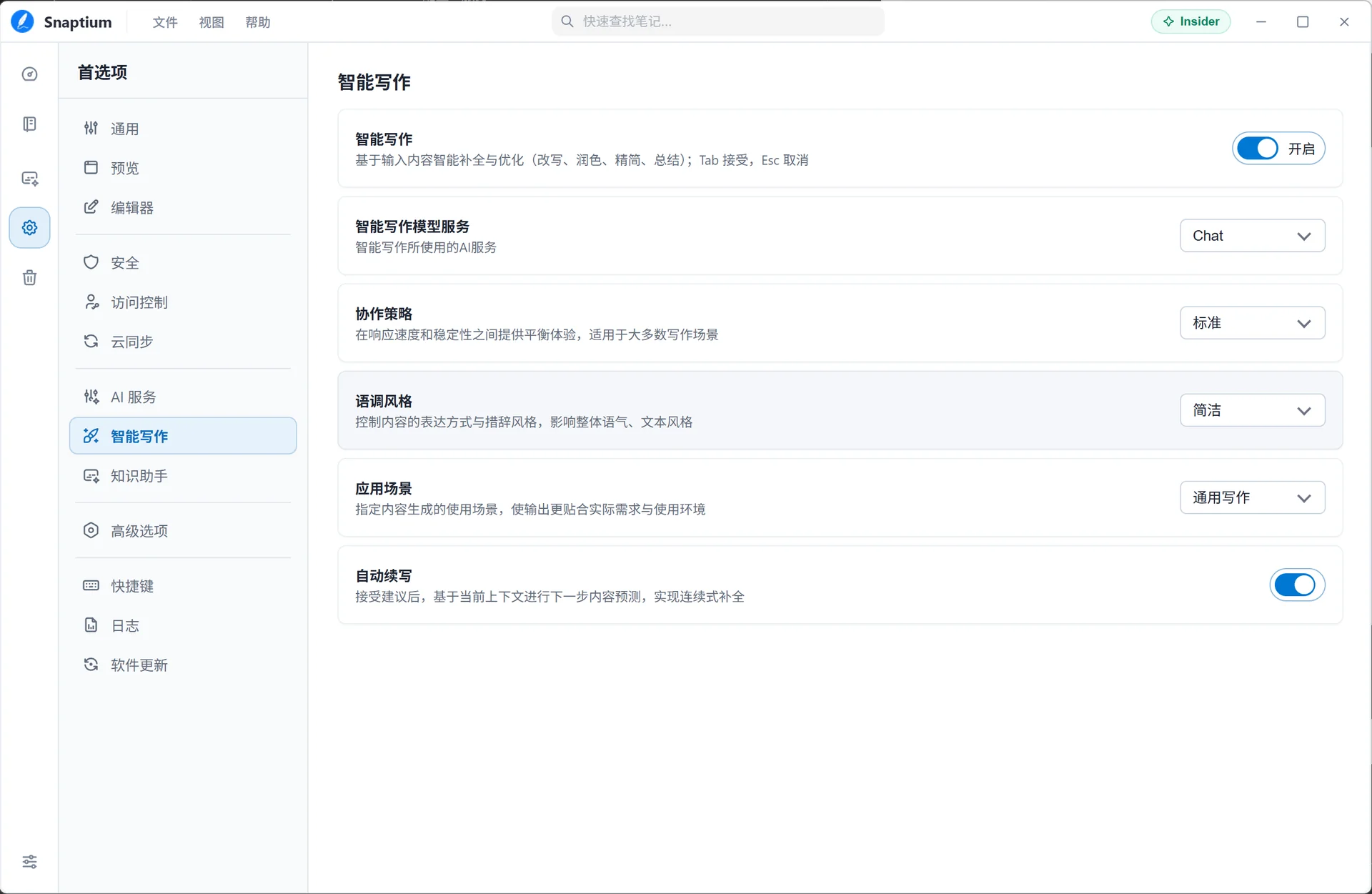
2.1 Intelligent Writing

Select the built-in Chat model to get started:

2.2 Knowledge Assistant

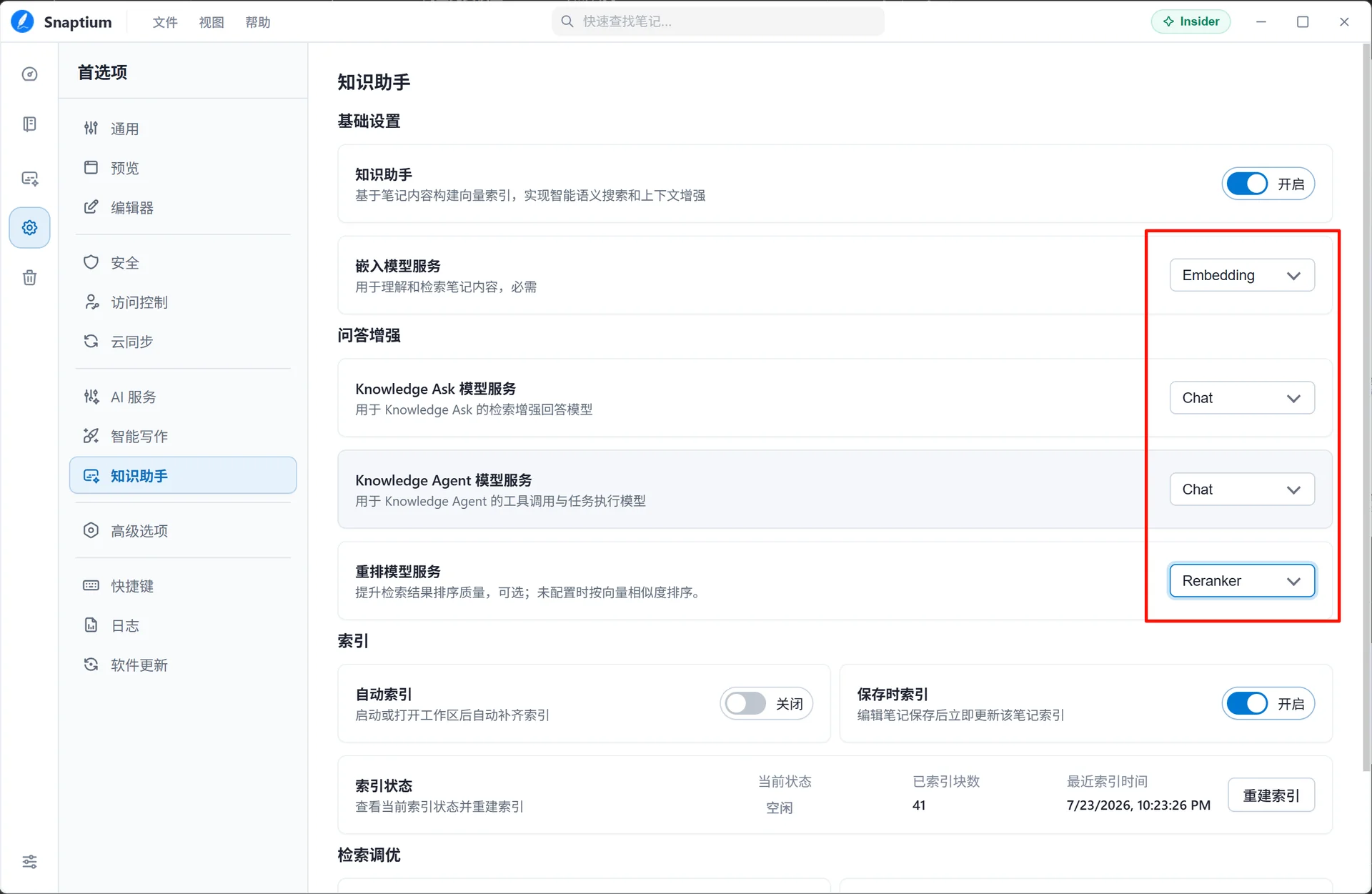
Select the built-in Chat / Embedding / Reranker models to build knowledge-base Q&A:

3. Configure SiliconFlow AI Service

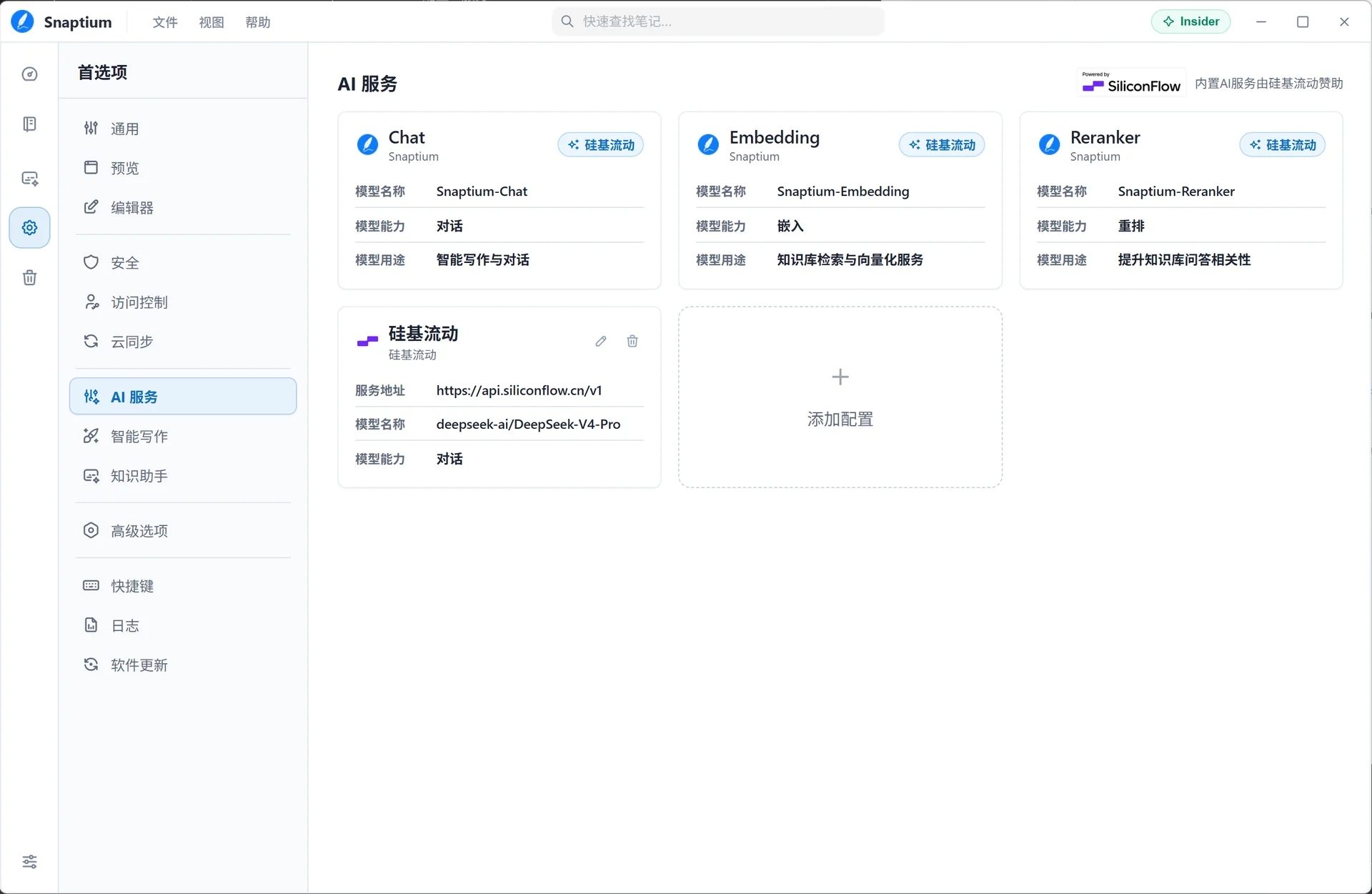
To use more models from the SiliconFlow platform, you can manually add an AI service configuration.

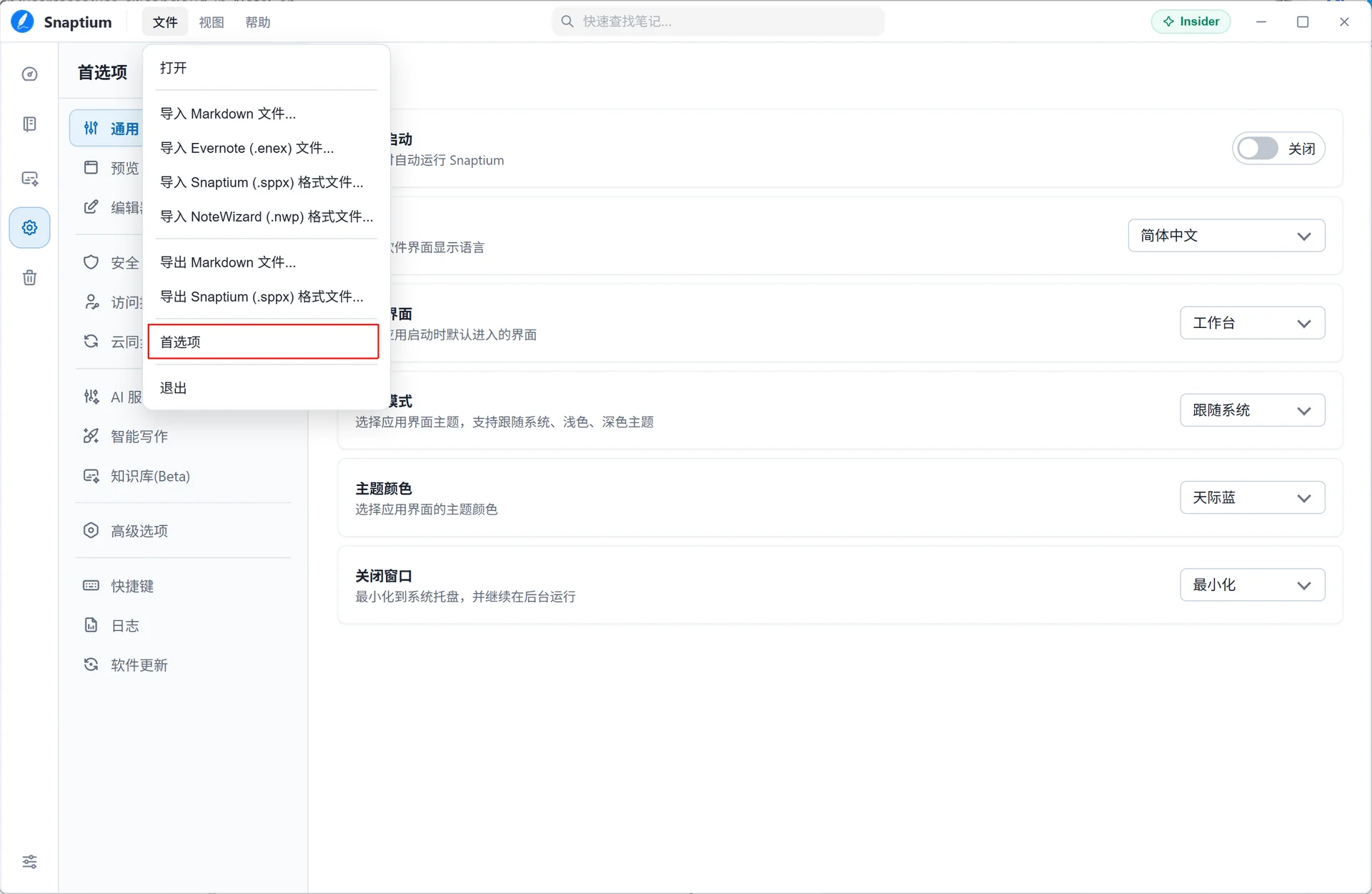
3.1 Open Preferences

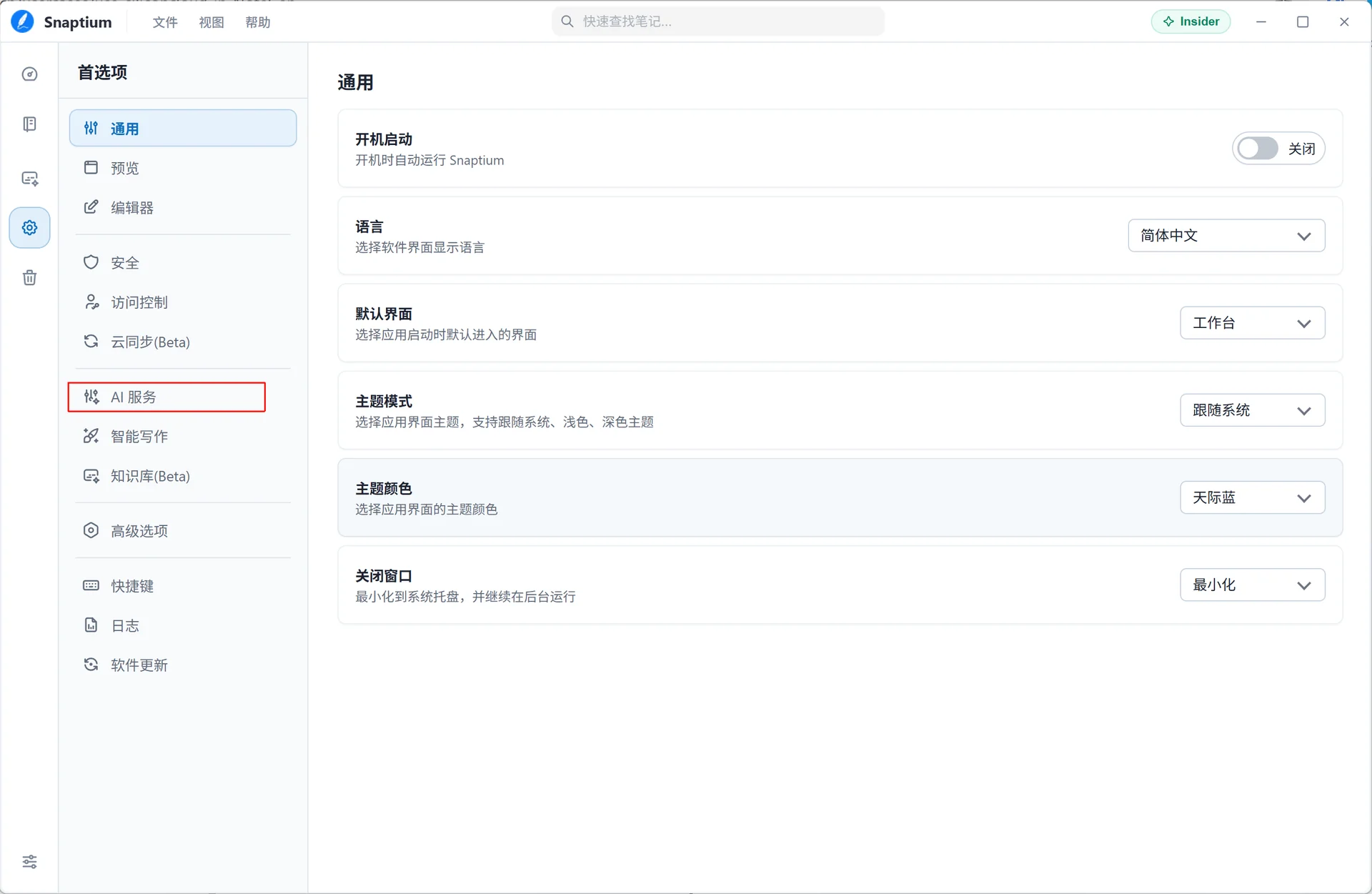
3.2 Select AI Service

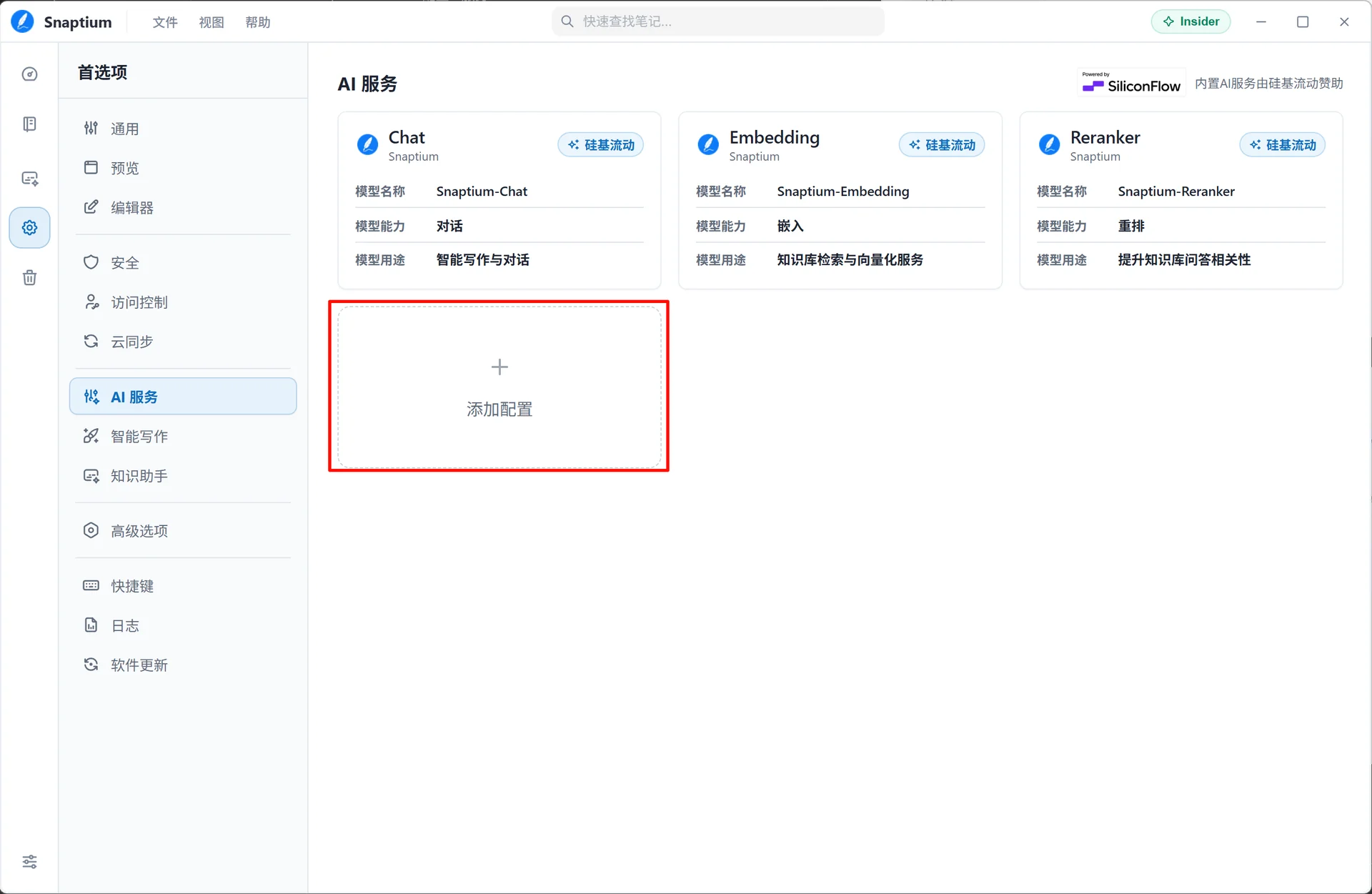
3.3 Add Configuration

Click Add Configuration:

3.4 Register and Log in to SiliconFlow

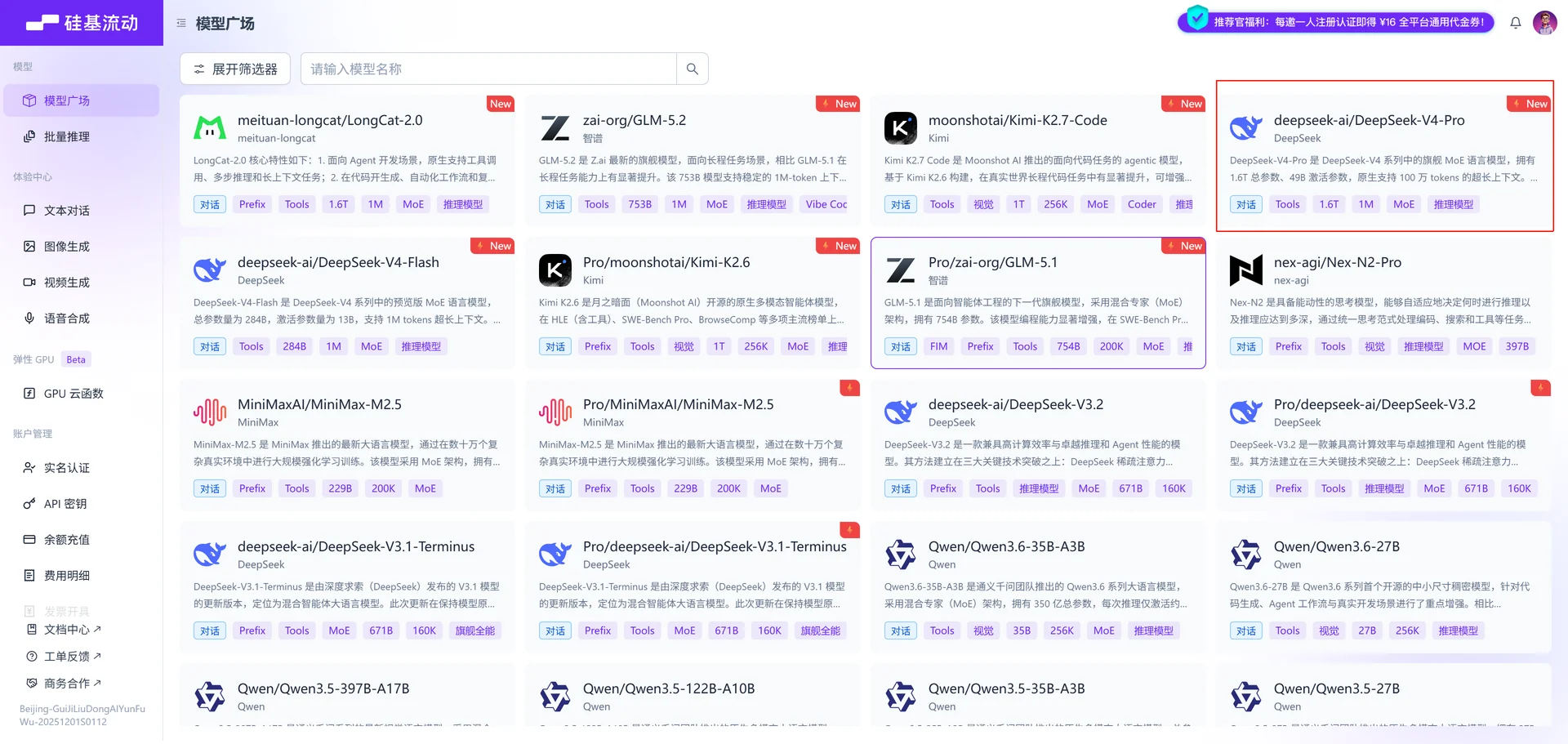
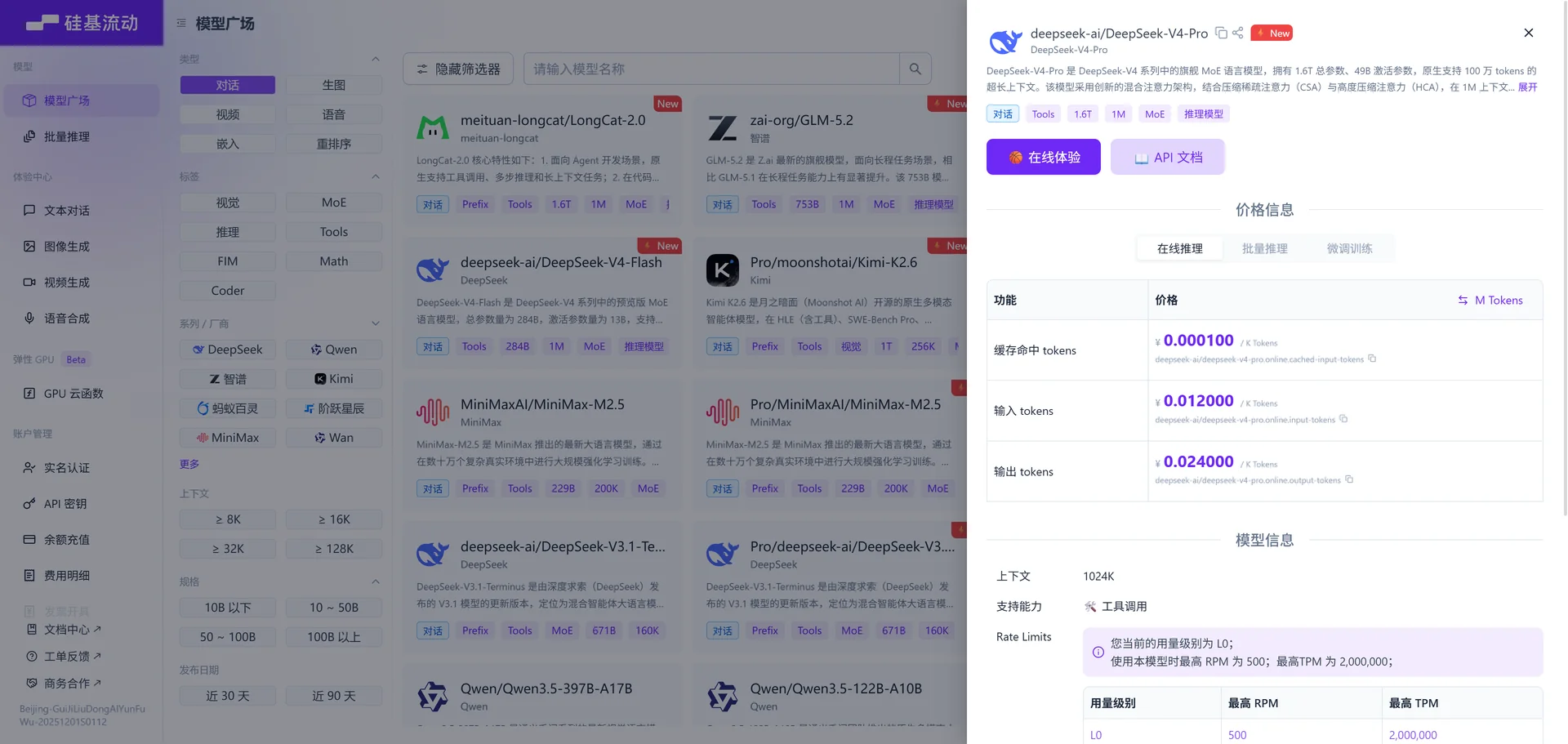
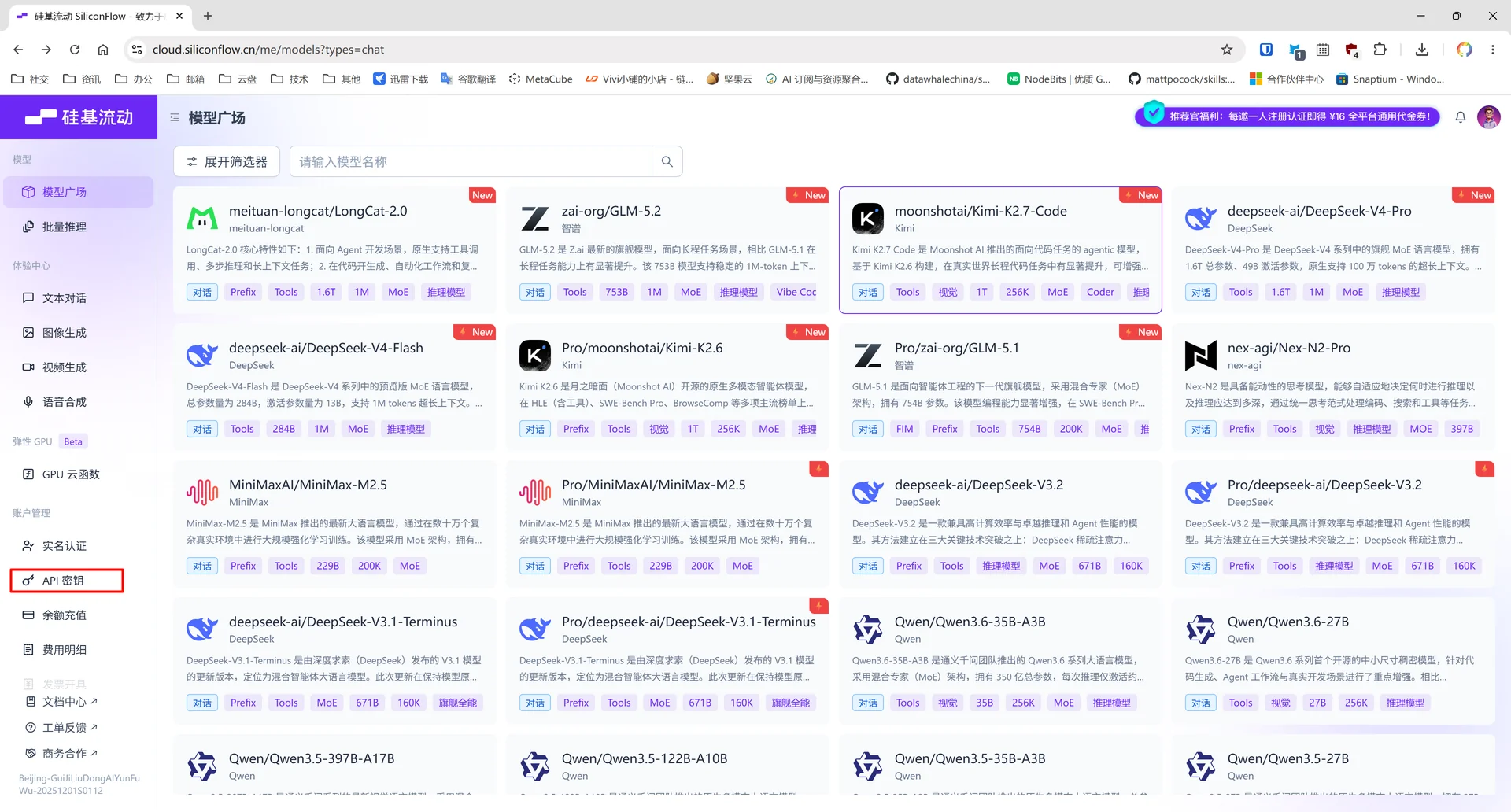
Visit the SiliconFlow model marketplace to select a model:

Select a chat model:

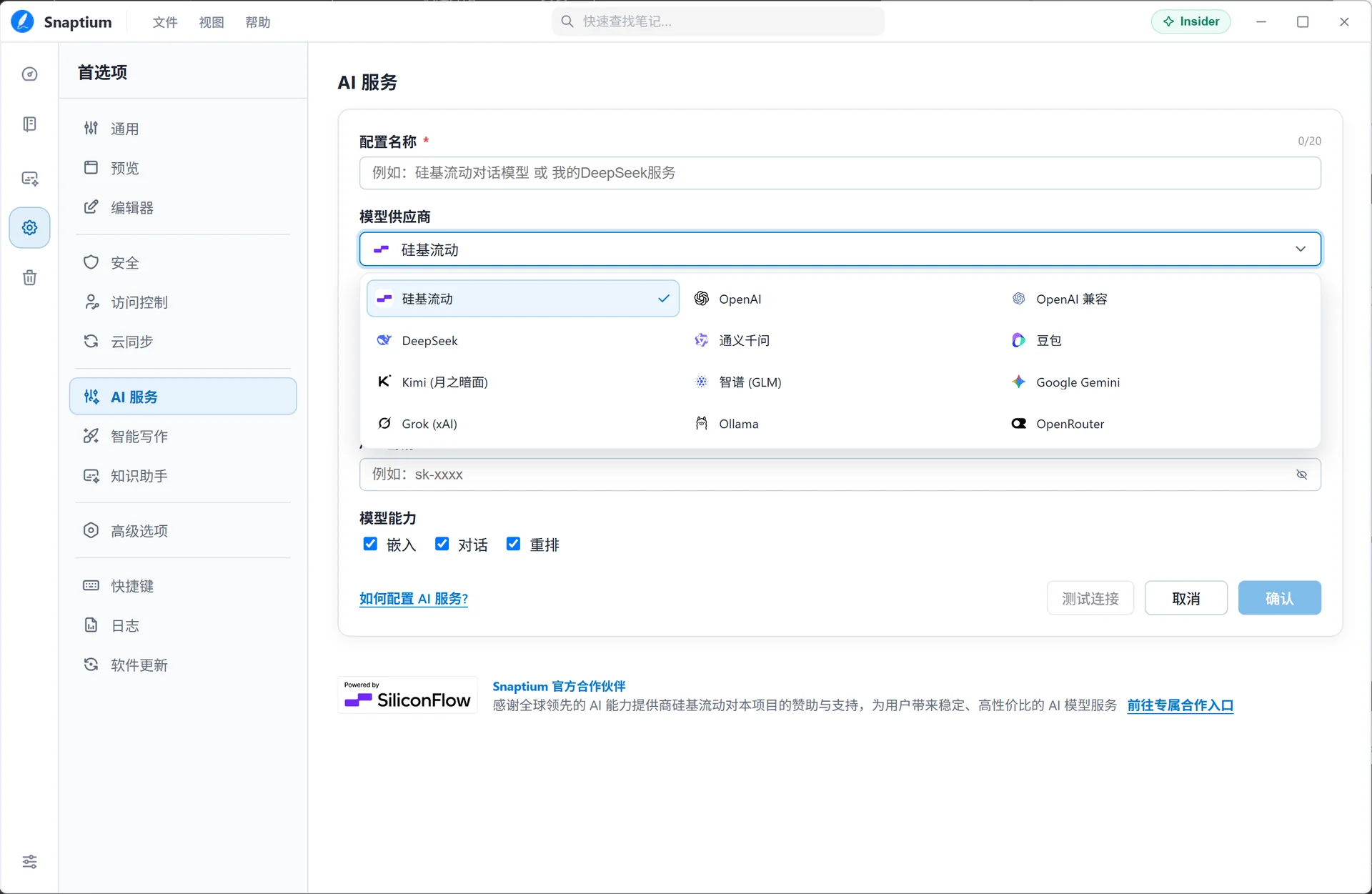
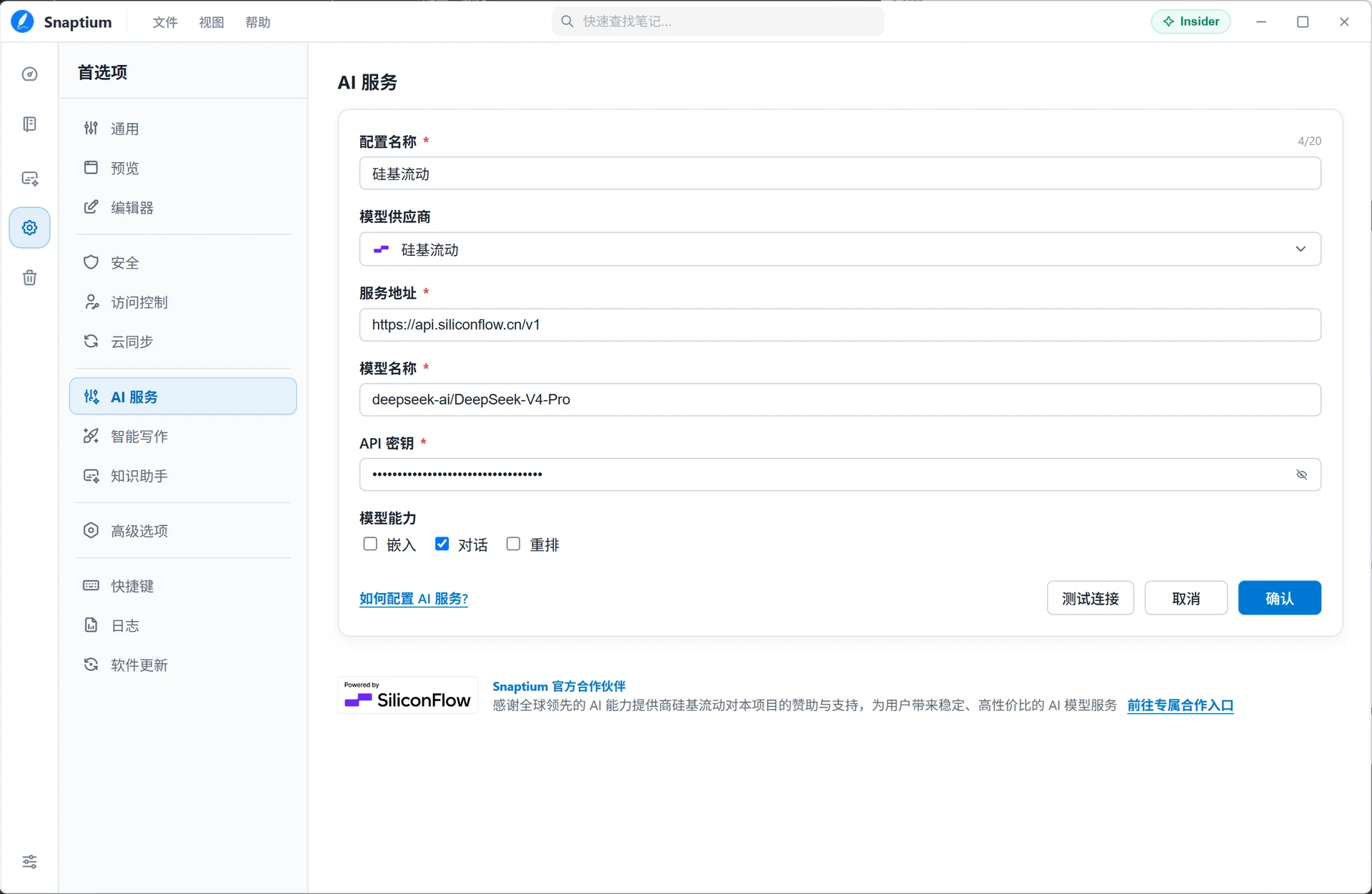
Select SiliconFlow:

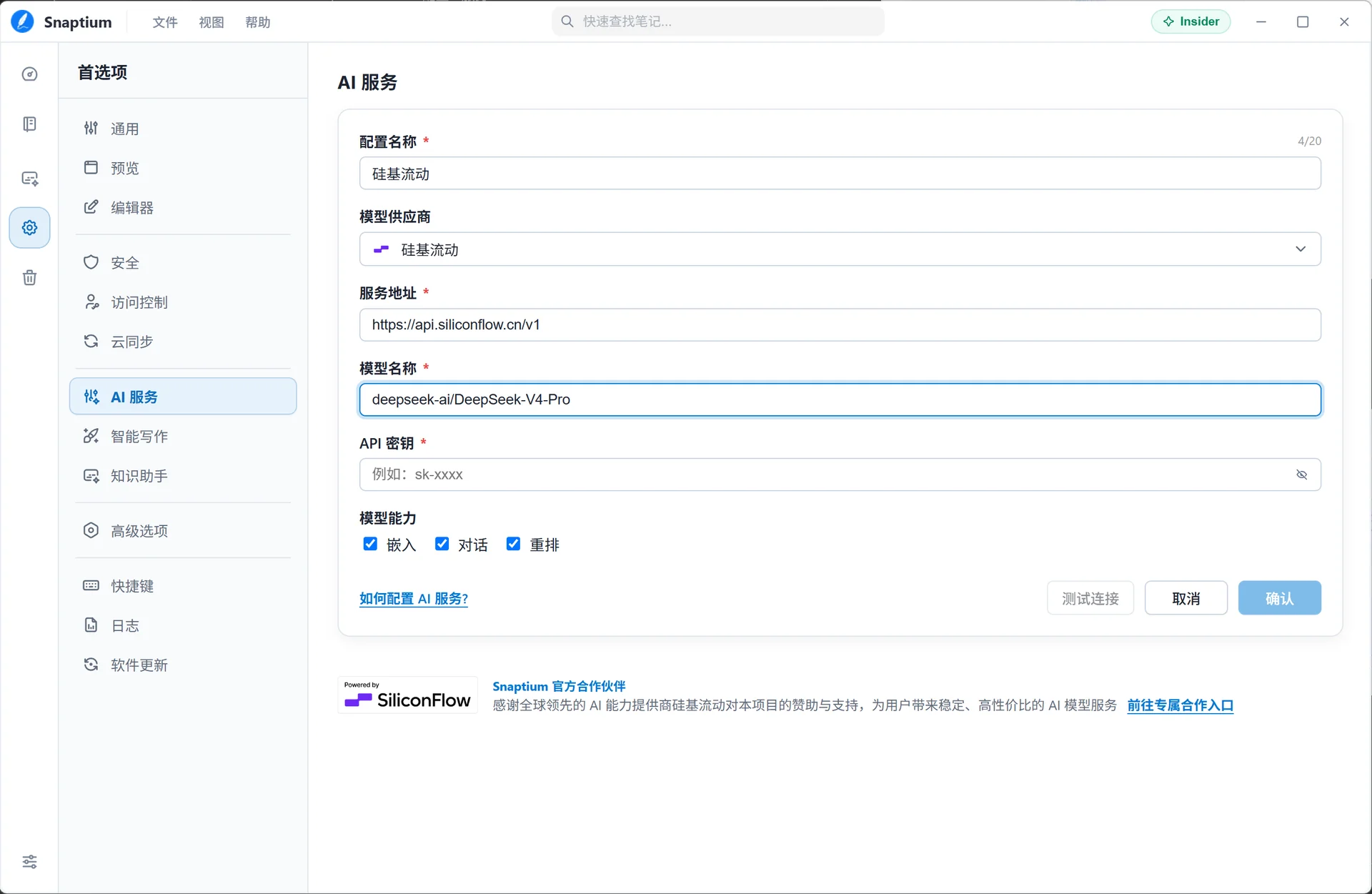
Enter the model name:

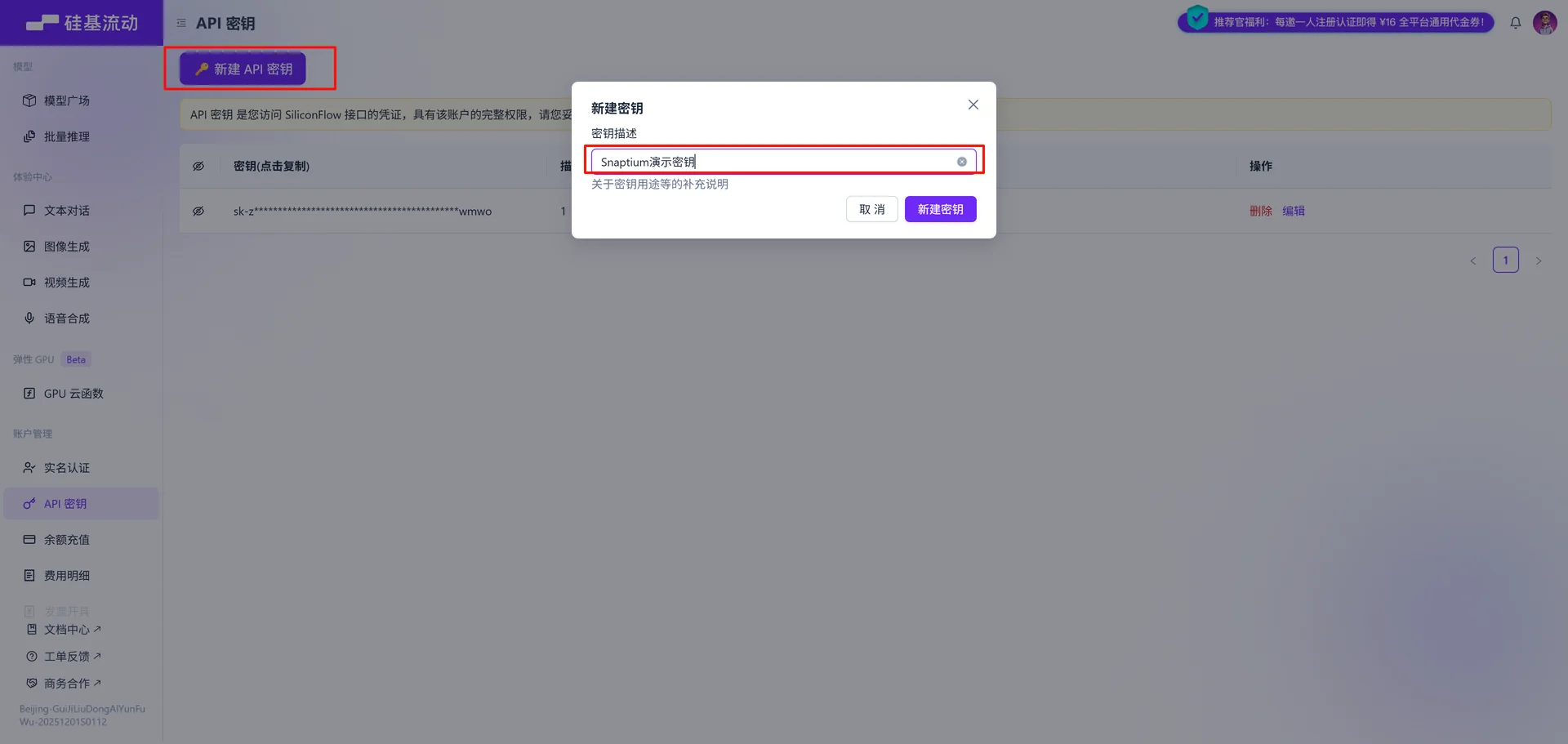
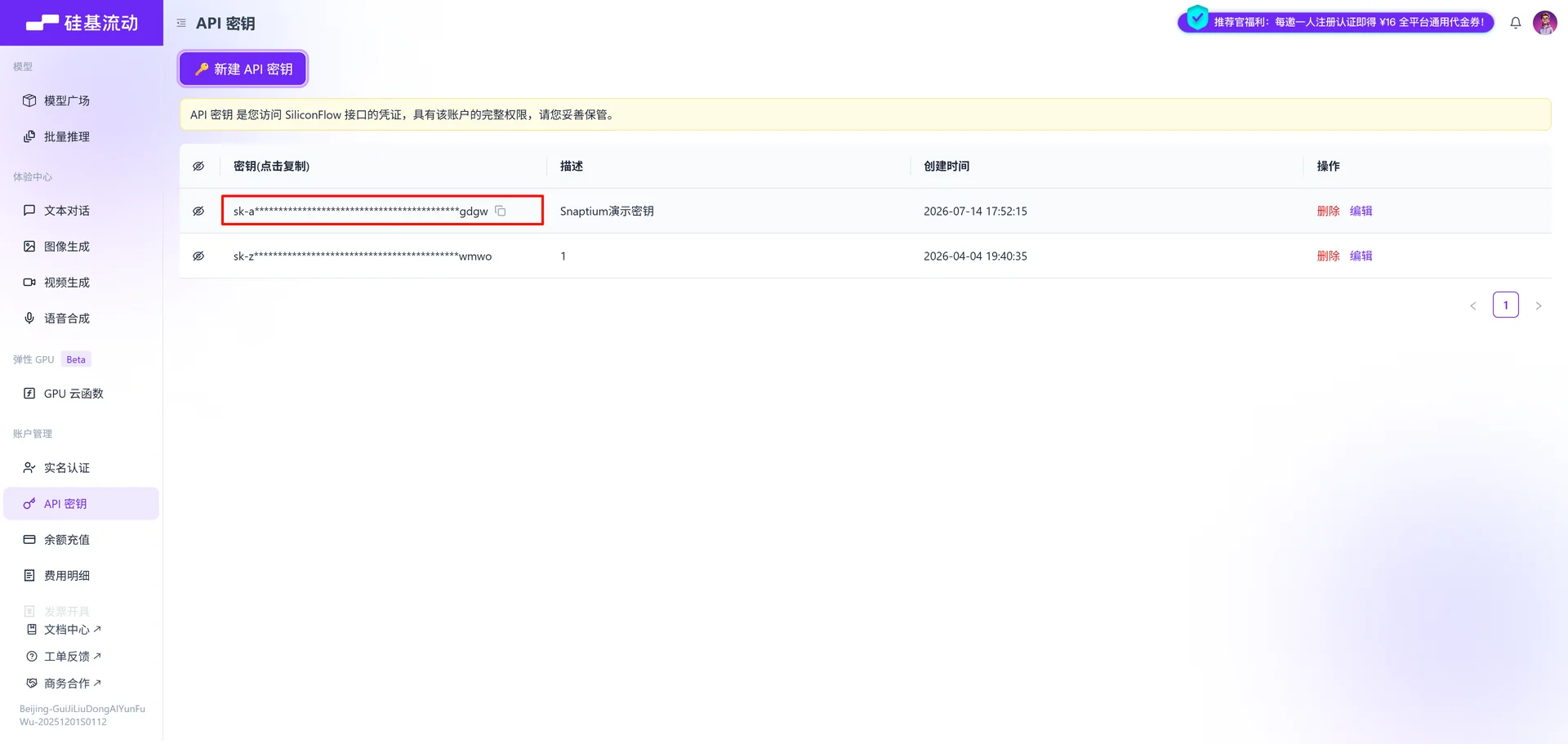
3.5 Get an API Key

Create and copy a new API key:

3.6 Enter the Key and Save

Configuration added successfully:

4. Scenario 1: Intelligent Writing Assistant

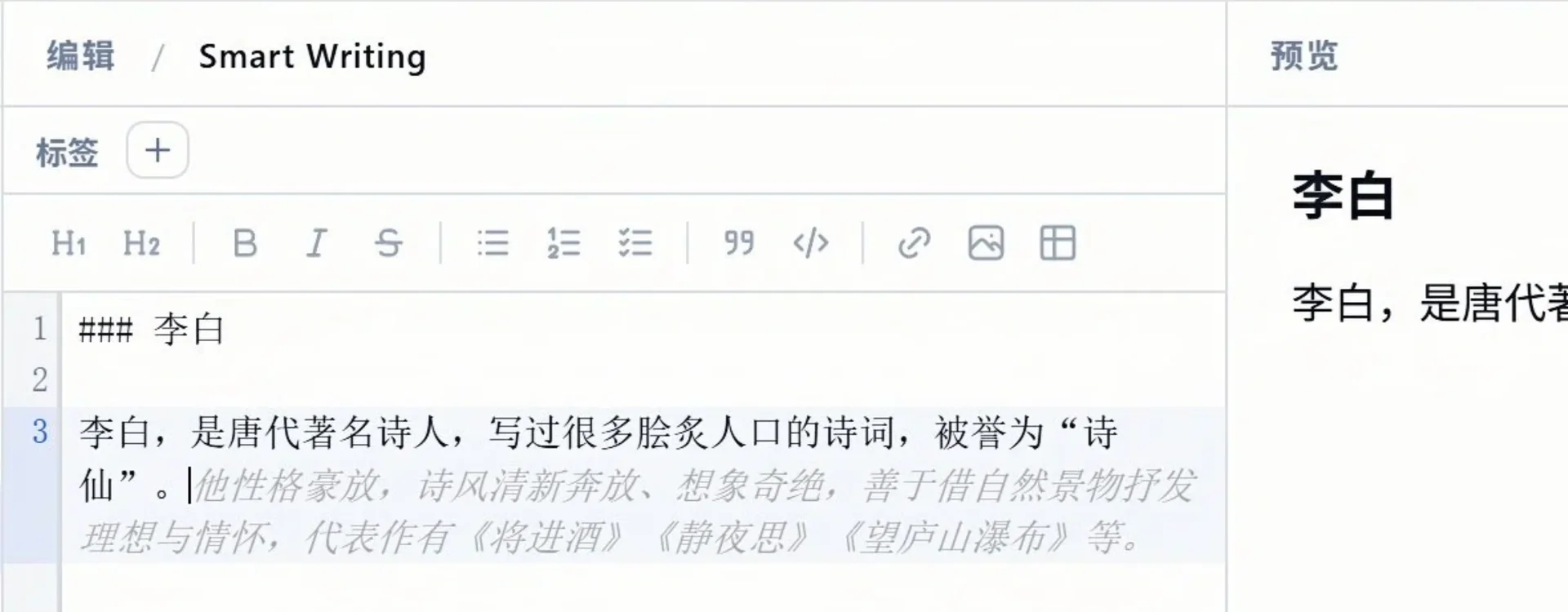
4.1 Auto-Complete

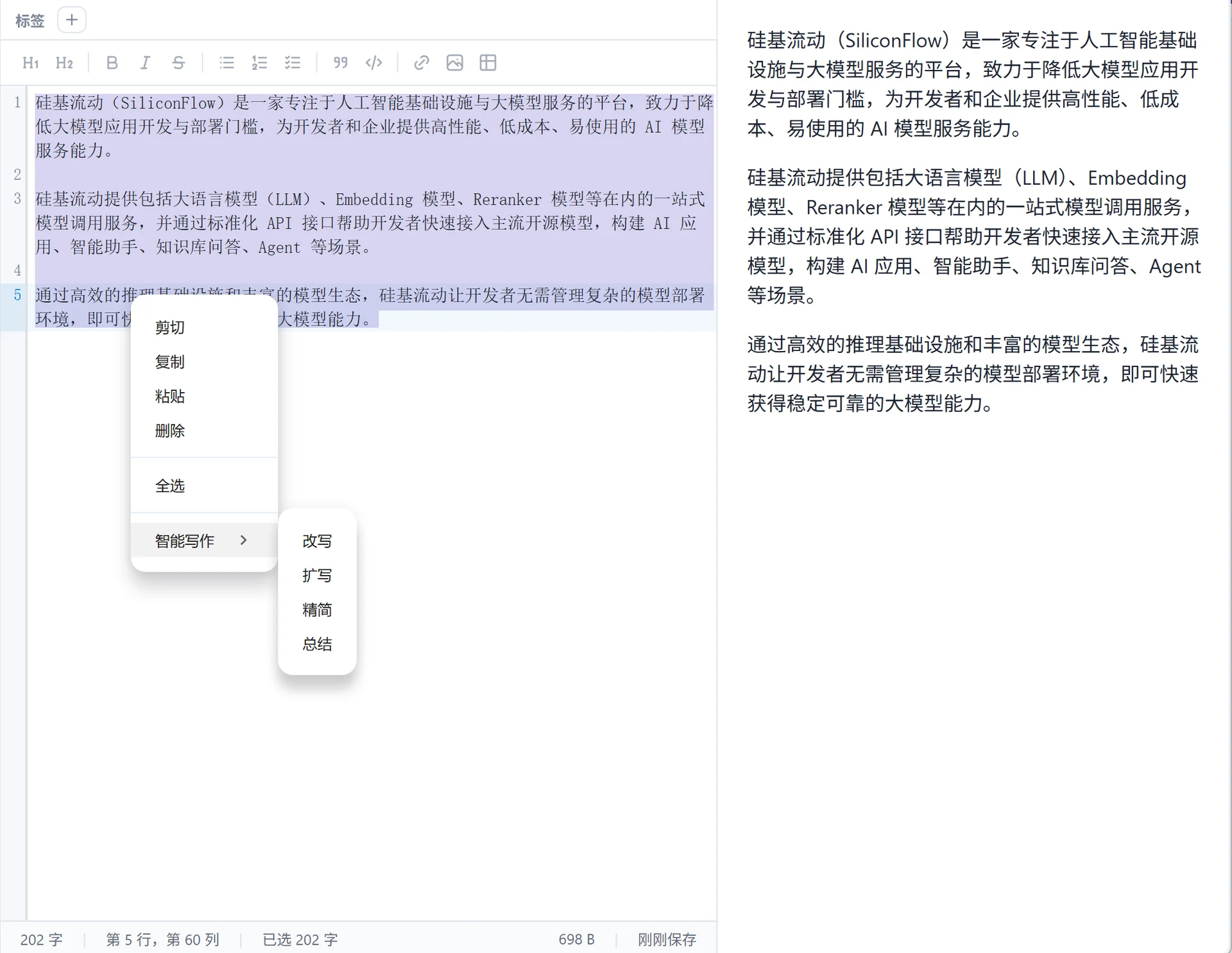
4.2 Intelligent Writing

5. Scenario 2: AI Agent Knowledge Processing

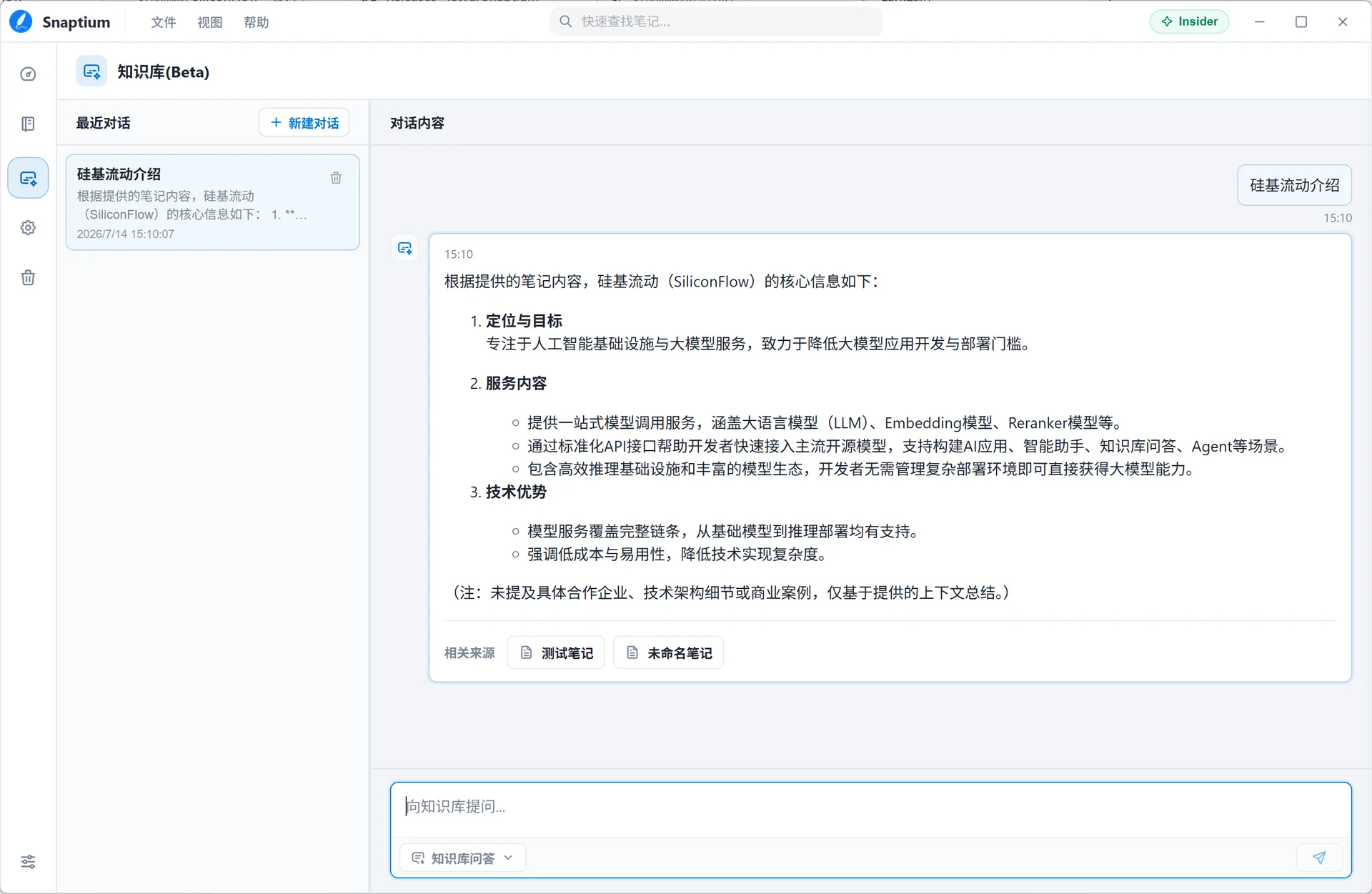
5.1 Knowledge Base Q&A

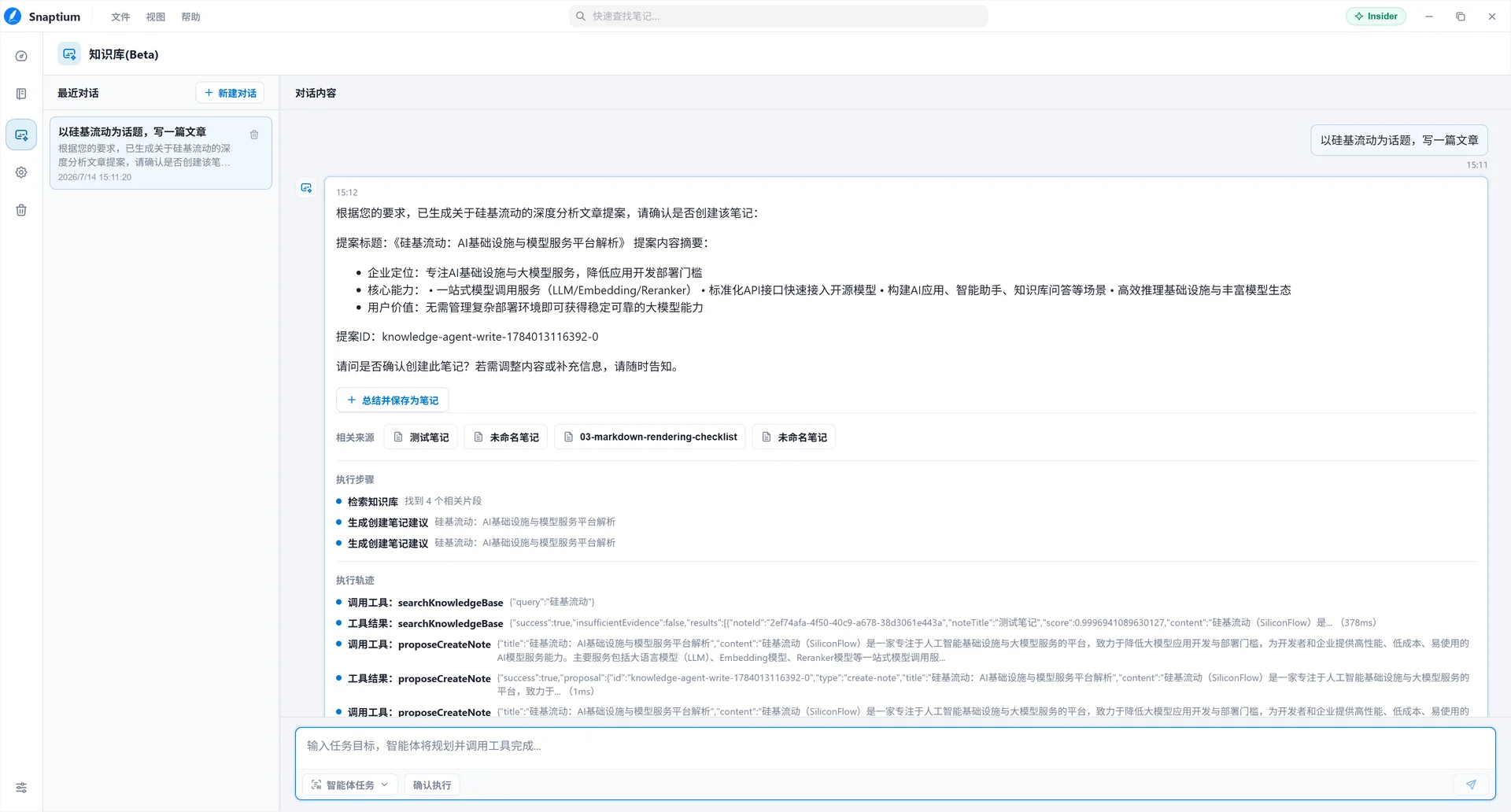
5.2 Intelligent Task Processing